
🆕 New in Version 3.4
Media trim, drag & drop images, a rebuilt CSS editor and more...
See what's new →🆕 New in Version 3.4
Media trim, drag & drop images, a rebuilt CSS editor and more...
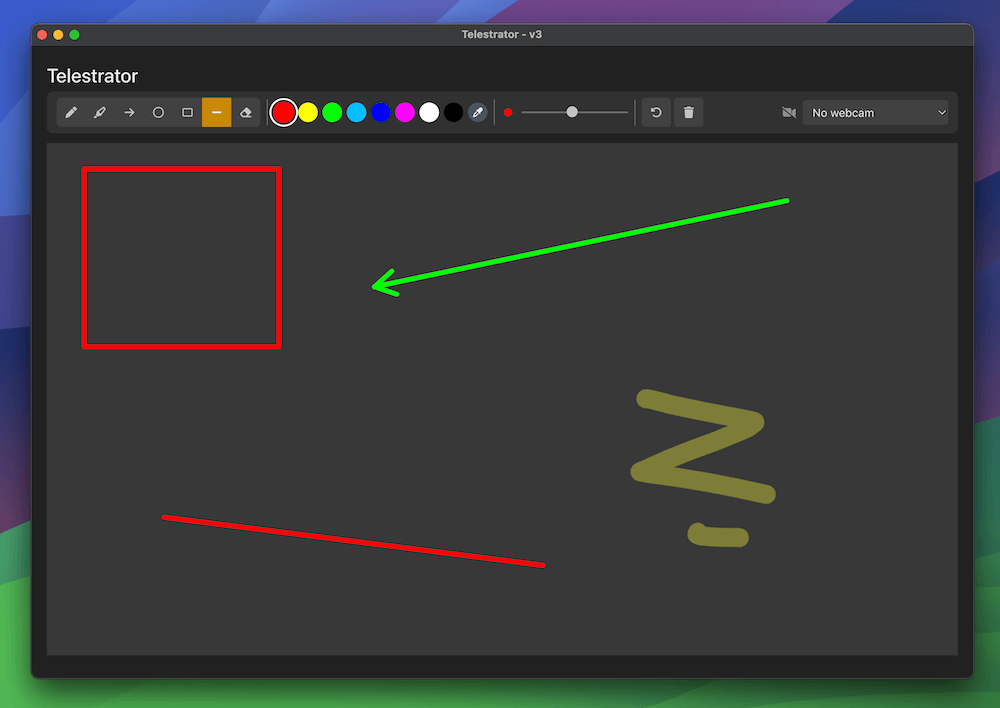
See what's new →The Telestrator graphic lets you draw shapes, lines, and freehand annotations directly over your broadcast output in real time. It’s ideal for sports analysis, tactical breakdowns, educational presentations, or any scenario where you need to visually highlight and explain what’s happening on screen.
To start using the Telestrator:
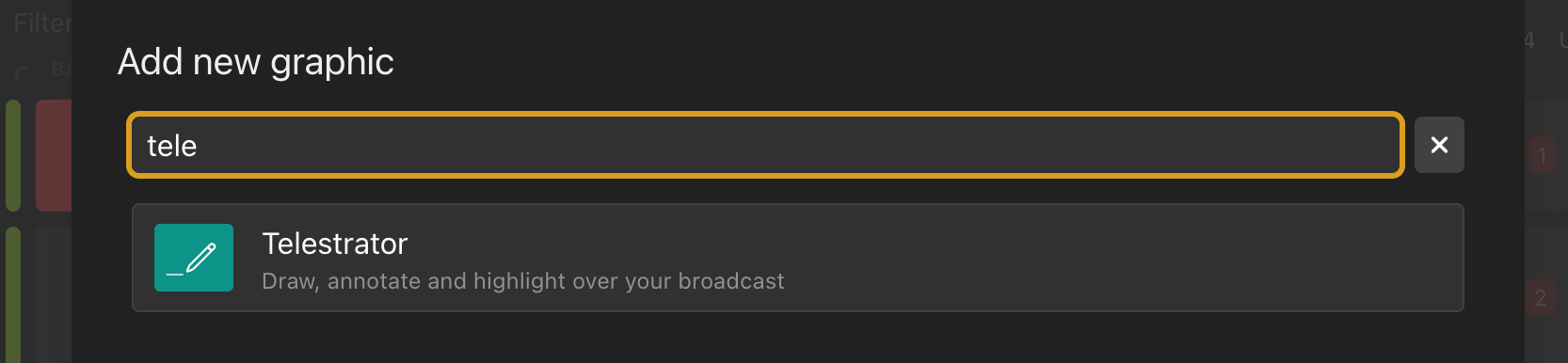
The Telestrator behaves like any other graphic in your rundown. Use the show/hide controls on the rundown to toggle the Telestrator output on and off. When hidden, all your strokes are preserved — they simply won’t appear on the broadcast output until you show the graphic again.
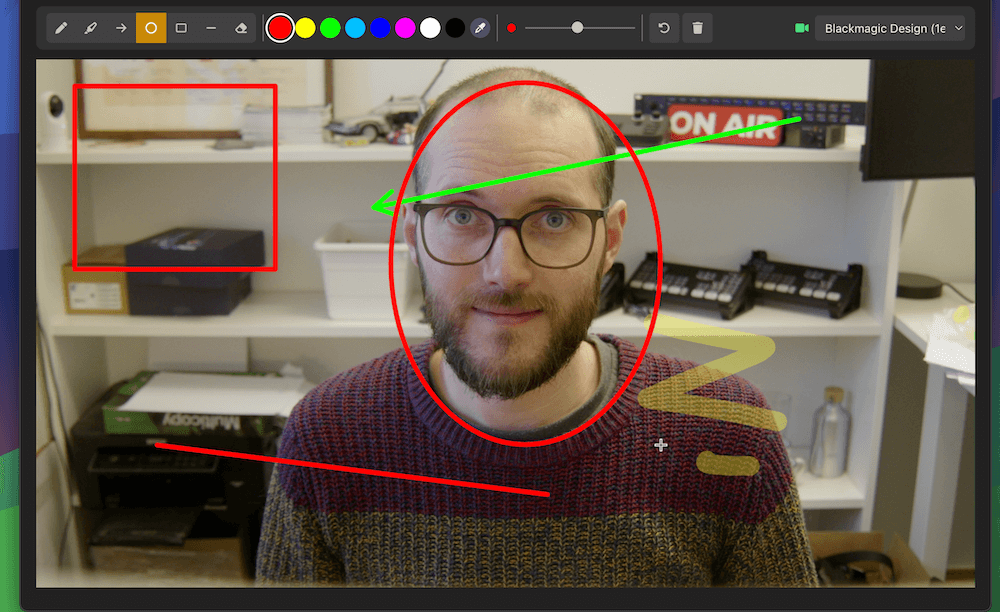
The toolbar at the top of the Telestrator window gives you quick access to all drawing controls.

Choose the drawing tool that fits your needs:
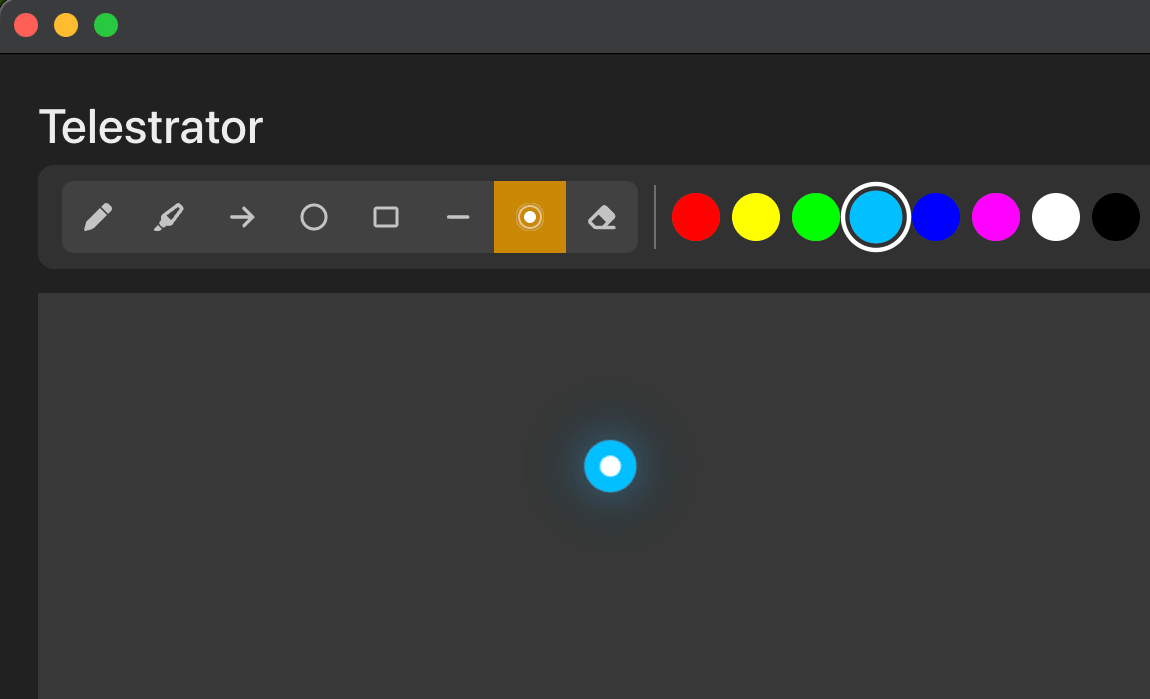
Click the colour picker to choose a stroke colour. Select from the preset palette or enter a custom colour value to match your brand.
Adjust the stroke width to suit your annotation style. A thinner stroke works well for precise detail work, while a thicker stroke is easier to see on busy backgrounds.
Click Undo to remove the last stroke or shape you drew. Each click steps back one action, so you can quickly correct mistakes without clearing the entire canvas.
Click Delete All to remove every stroke and shape from the canvas at once. This is useful for resetting between segments or analysis points.
The Telestrator includes an optional webcam overlay that displays a camera feed behind the drawing canvas. This gives you a live reference to draw over, making it easier to annotate specific areas of the scene.
Important: The webcam feed is for reference only and is not included in the broadcast output. Viewers will only see the strokes and shapes you draw, overlaid on your main broadcast source.
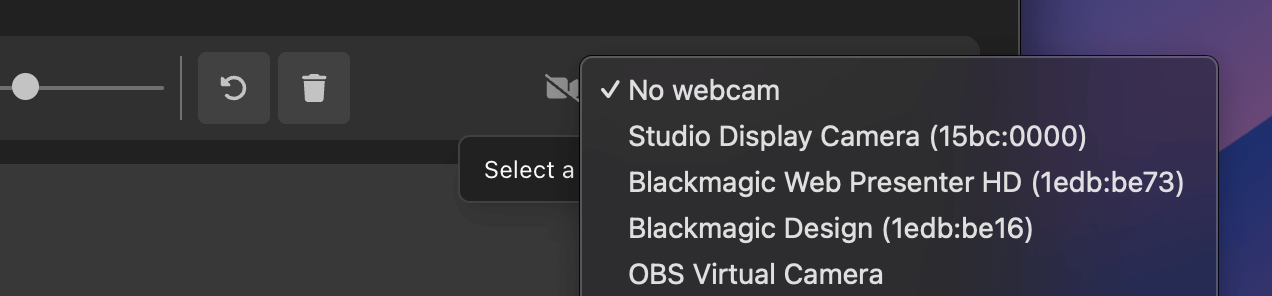
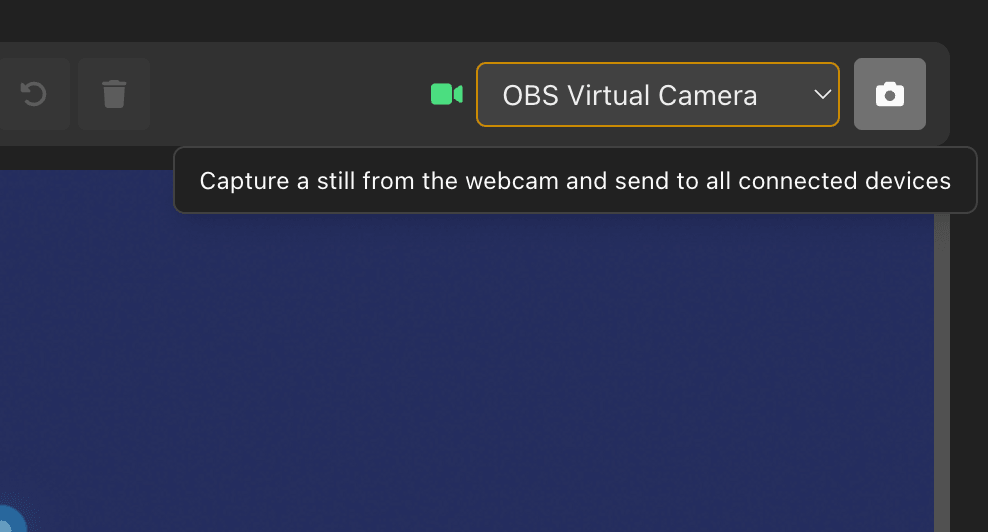
To enable the webcam:
You can capture a still from your webcam and send it to other devices like tablets. This is useful for freezing a frame to annotate while the live feed continues.
Drawing on the Telestrator is straightforward — select your tool, choose a colour and stroke size, then draw directly on the canvas. All strokes and shapes appear on the broadcast output in real time as you draw them.
Tips:
The Telestrator supports control via the H2R Companion module, allowing you to trigger all major actions from a Stream Deck, macro pad, or automation system.
Available Companion actions:
| Action | Description |
|---|---|
| Set Tool | Switch the active drawing tool (Draw, Highlight, Line, Circle, Arrow, Laser, etc.) |
| Set Brush size | Change the size of stroke |
| Set Colour | Change the current stroke colour |
| Undo | Undo the last stroke |
| Delete All | Clear all strokes and shapes from the canvas |
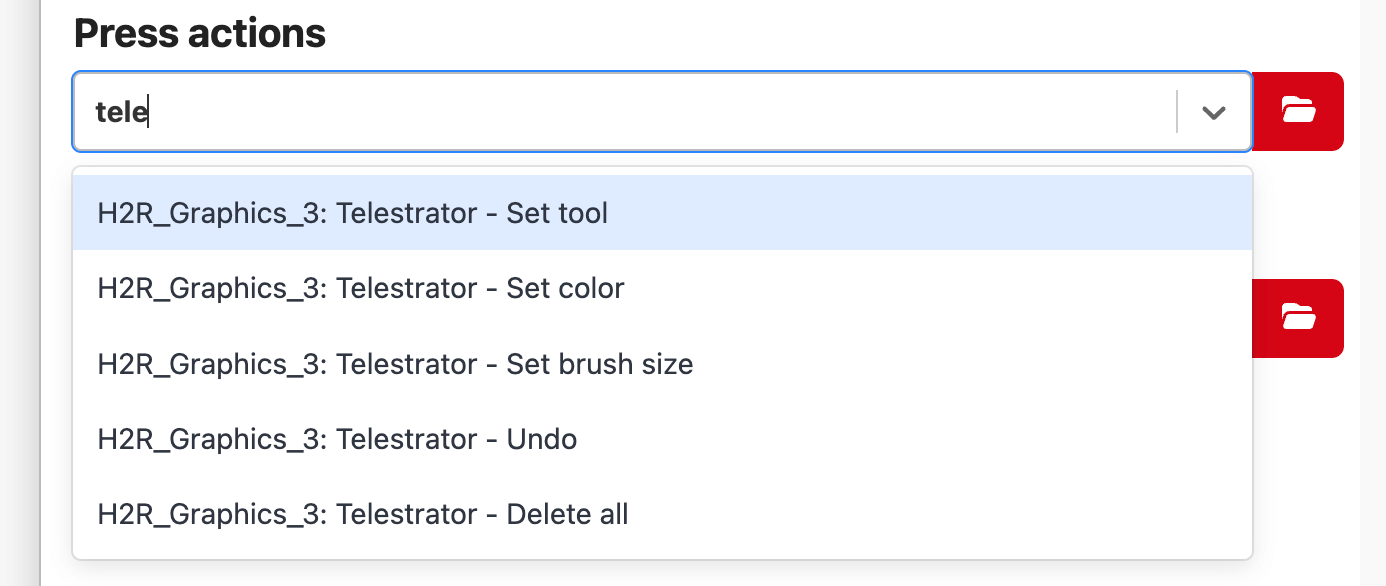
This makes it easy to switch tools and reset the canvas mid-broadcast without needing to interact with the Telestrator window directly.
Simplify your graphics workflow
Start using graphics on your live stream or video productions.
Get H2R Graphics product updates
New features, releases and tips, straight to your inbox.
No spam. Unsubscribe any time.