
🆕 New in Version 3.4
Media trim, drag & drop images, a rebuilt CSS editor and more...
See what's new →🆕 New in Version 3.4
Media trim, drag & drop images, a rebuilt CSS editor and more...
See what's new →Add lower thirds, tickers, timers, images and more to your ATEM Mini, ATEM Mini Extreme or even ATEM Constellation production. Run H2R Graphics on a laptop, plug it into your switcher over HDMI and key the graphics on top of your cameras.

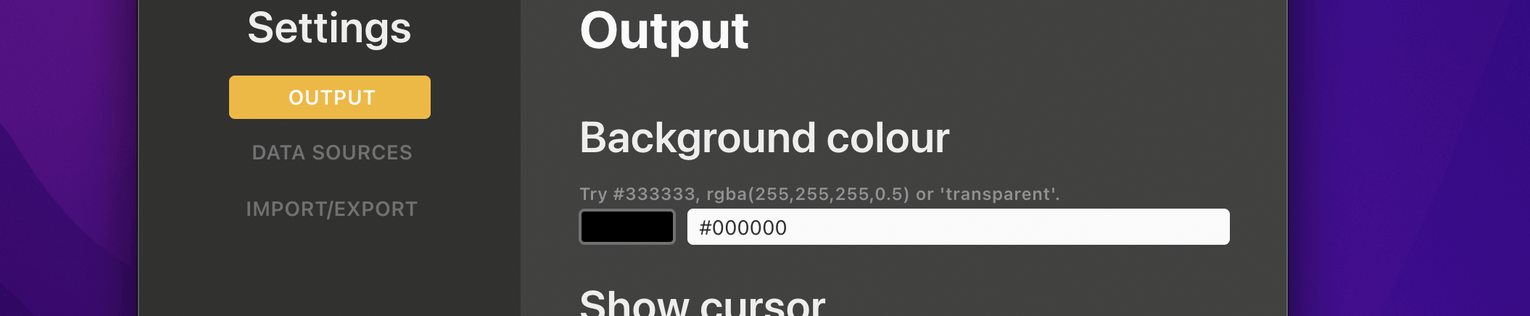
Use the chroma key or the luma key on any ATEM upstream keyer. H2R Graphics outputs on a solid green background by default, so chroma keying works straight away. Prefer luma? Switch the background to black.
Build a rundown of lower thirds, messages, tickers, images, timers and more. Click a graphic to take it live, click again to take it off. Preview each one before it goes to air.
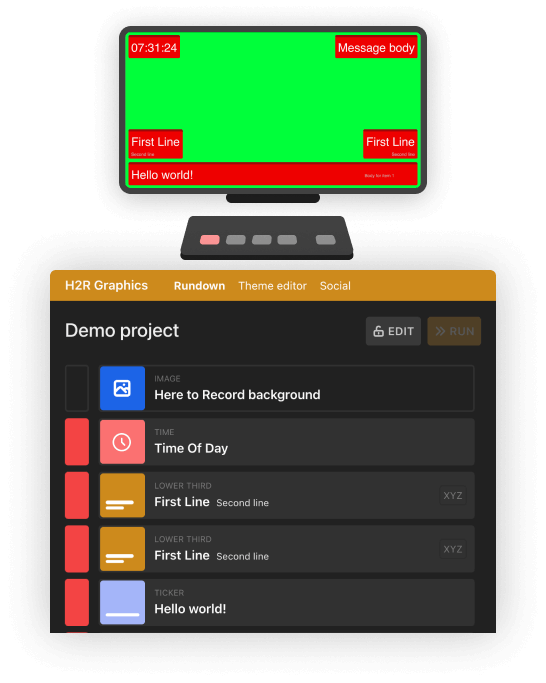
Names change, the schedule slips and someone wants a new message on screen. Edit any graphic right up to the last minute, even while it’s on air. Use the theme editor to match your graphics to your brand, or start from the free theme pack.
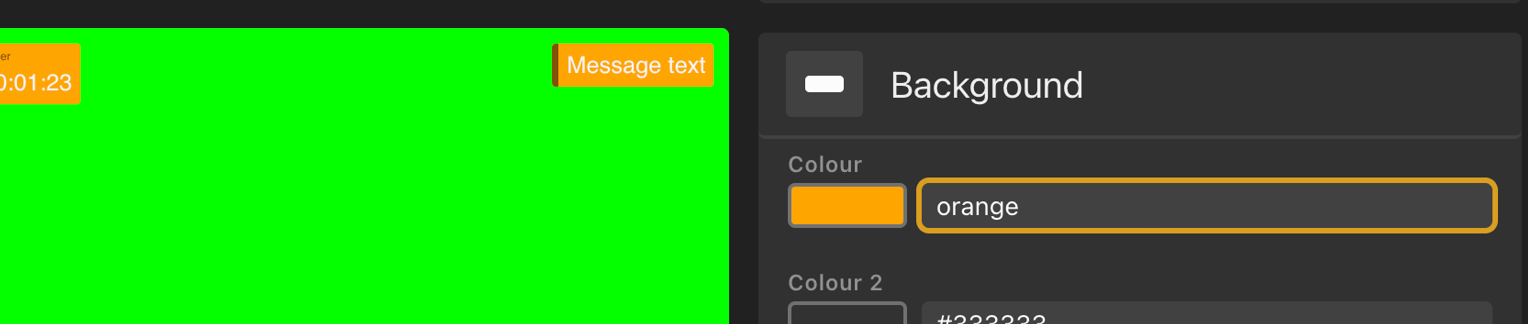
Connect the computer running H2R Graphics to an input on your ATEM with an HDMI cable. Set the computer to extend its desktop, not mirror it.
Open an output window in H2R Graphics, drag it onto the extended display and make it fullscreen. You’ll see it on your ATEM multiview.
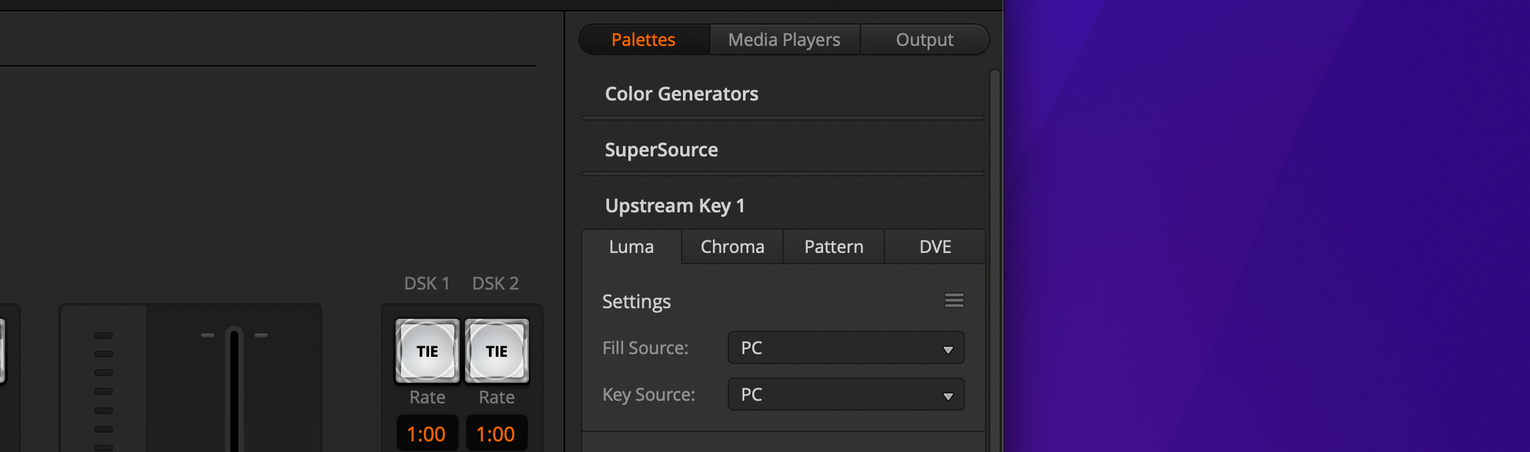
In ATEM Software Control, open Palettes > Upstream Key 1 > Chroma. Set the Fill Source to your H2R Graphics input and sample the green background with Chroma Sample.
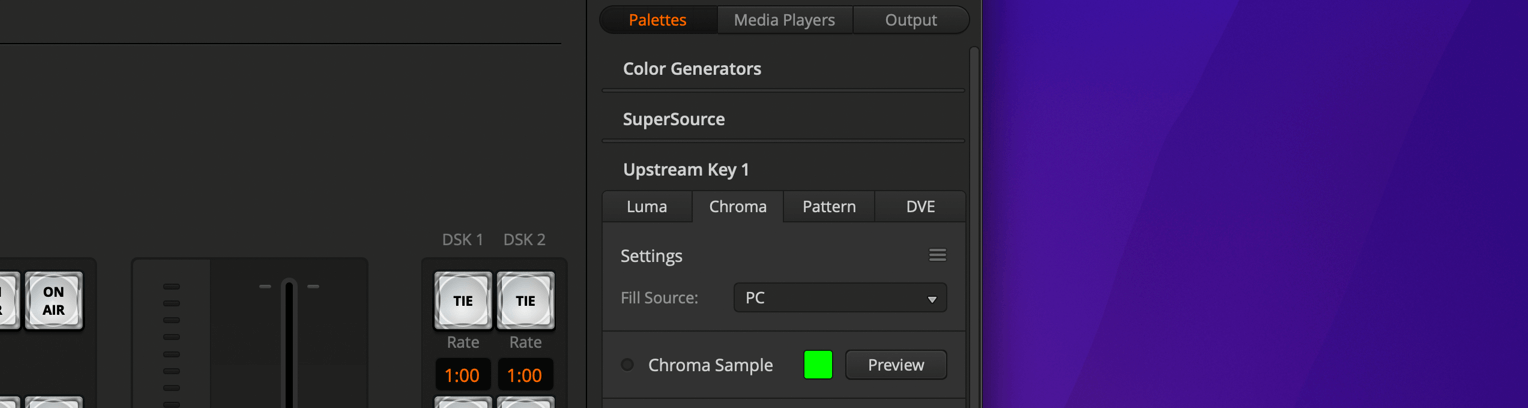
Turn on Upstream Key 1 and your graphics are live.
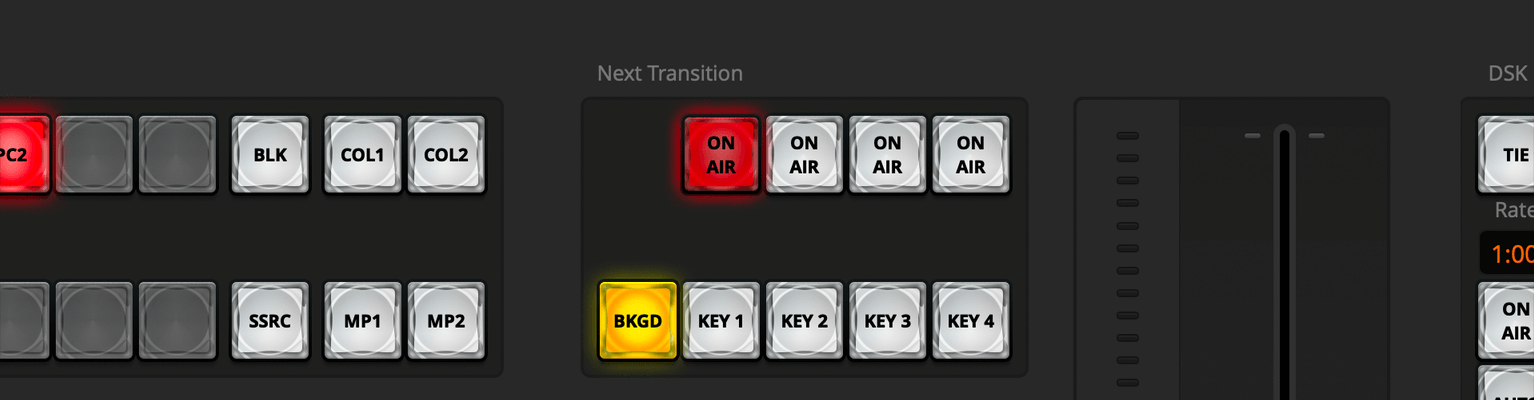
Set the output background to black in H2R Graphics, then use the Luma tab with both the Fill Source and Key Source set to your H2R Graphics input.
Follow our full guides to get the most from H2R Graphics using the Chroma or Luma method of keying in an ATEM switcher.
Simplify your graphics workflow
Start using graphics on your live stream or video productions.
Get H2R Graphics product updates
New features, releases and tips, straight to your inbox.
No spam. Unsubscribe any time.