
🆕 New in Version 3.4
Media trim, drag & drop images, a rebuilt CSS editor and more...
See what's new →🆕 New in Version 3.4
Media trim, drag & drop images, a rebuilt CSS editor and more...
See what's new →Add lower thirds, tickers, timers, images and more to your OBS Studio stream. H2R Graphics runs as its own app and sends its graphics into OBS through a single browser source, so your scenes stay simple.
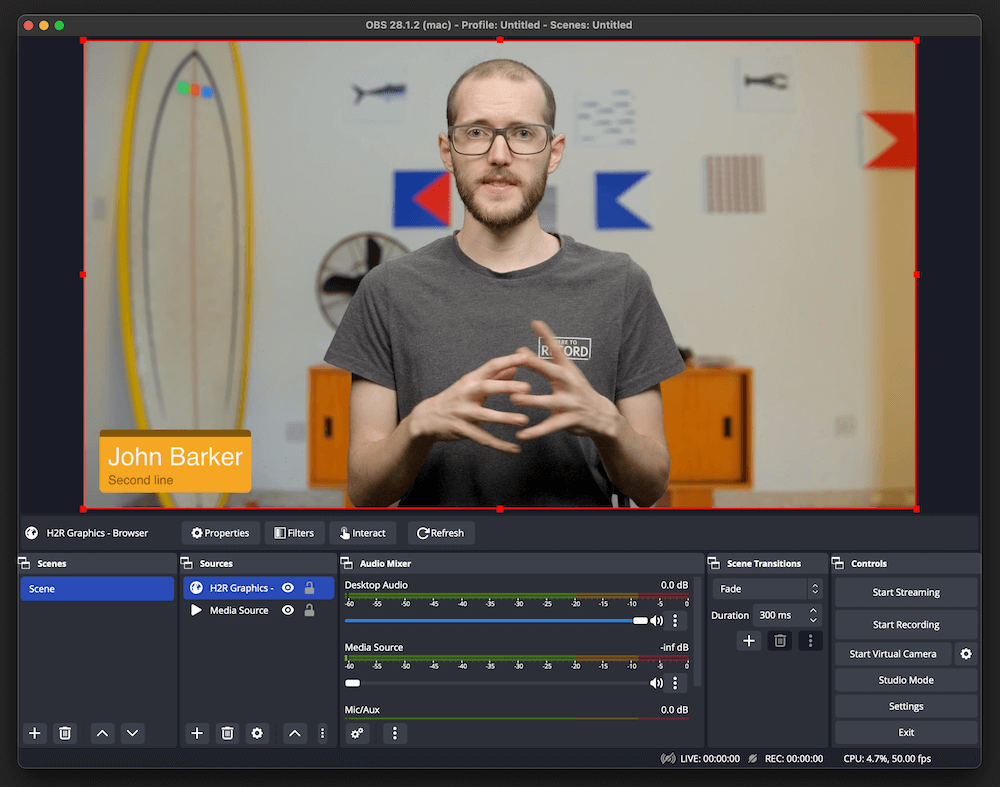
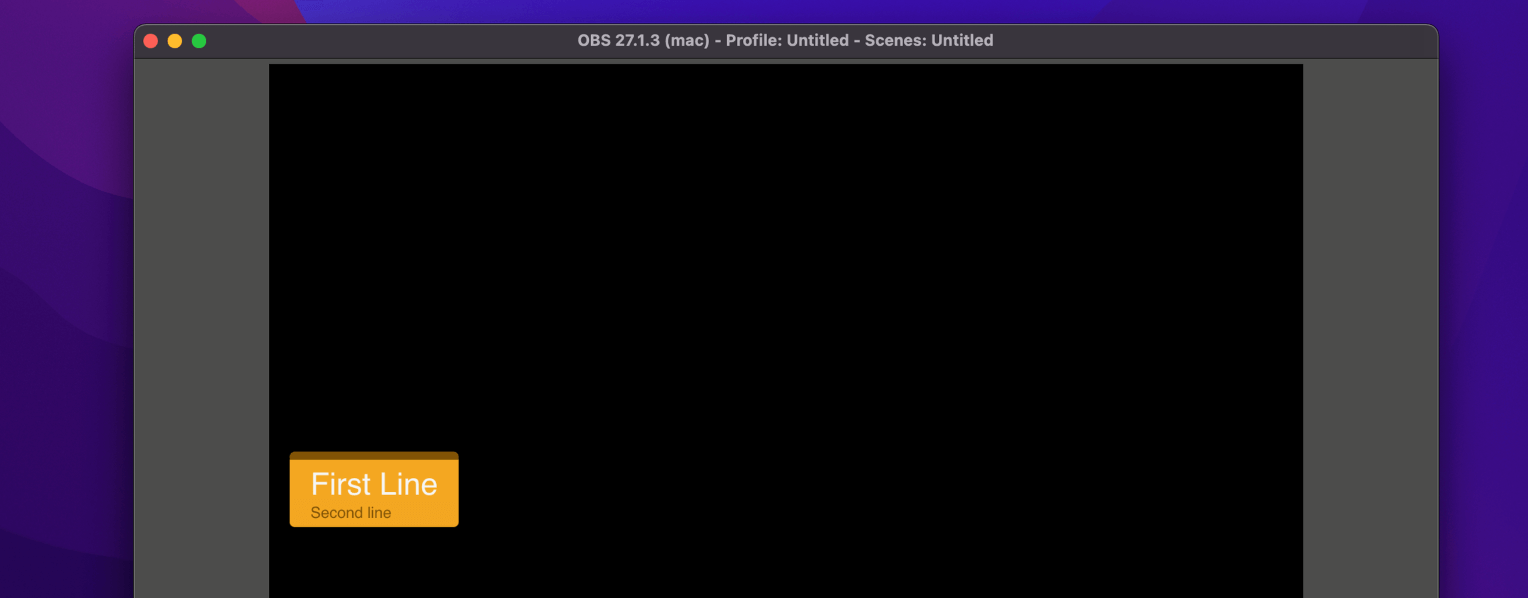
There’s no plugin to install. Copy the output URL from H2R Graphics, paste it into a Browser source in OBS and your graphics show up on a transparent background, ready to sit on top of any scene.
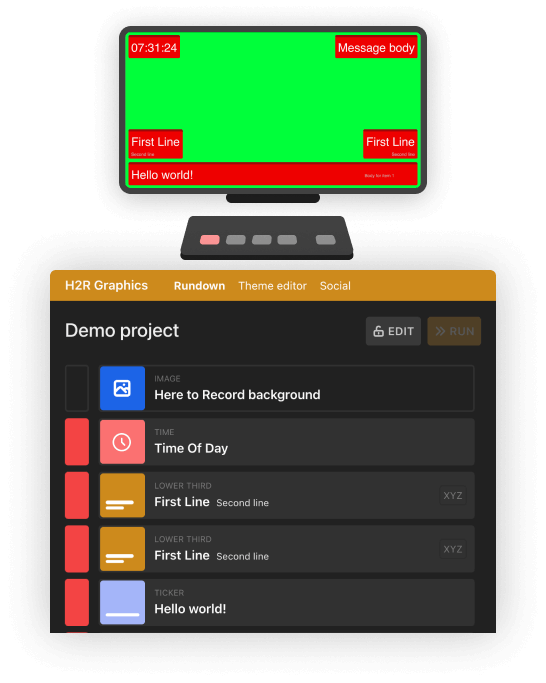
Build a rundown of lower thirds, messages, tickers, images, timers and more. Click a graphic to take it live, click again to take it off. Preview each one before it goes to air.
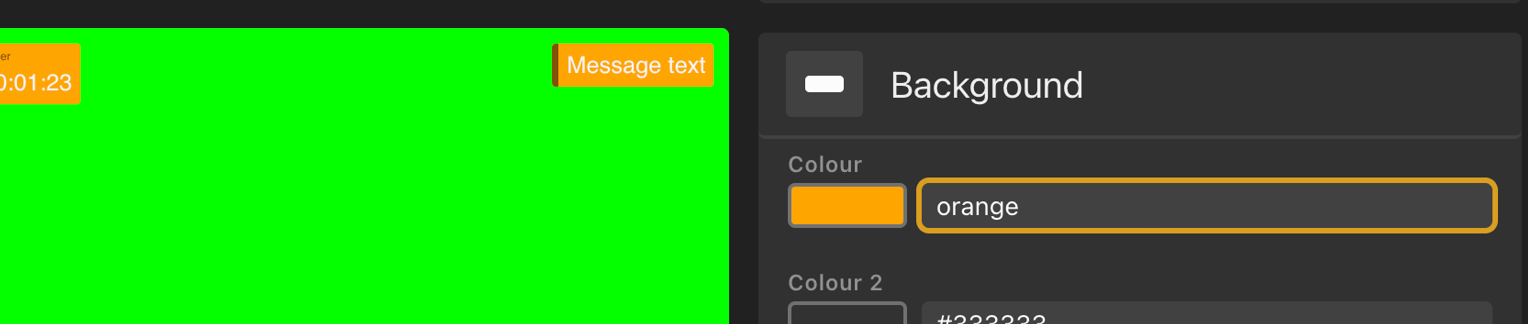
Names change, the schedule slips and someone wants a new message on screen. Edit any graphic right up to the last minute, even while it’s on air. Use the theme editor to match your graphics to your brand, or start from the free theme pack.
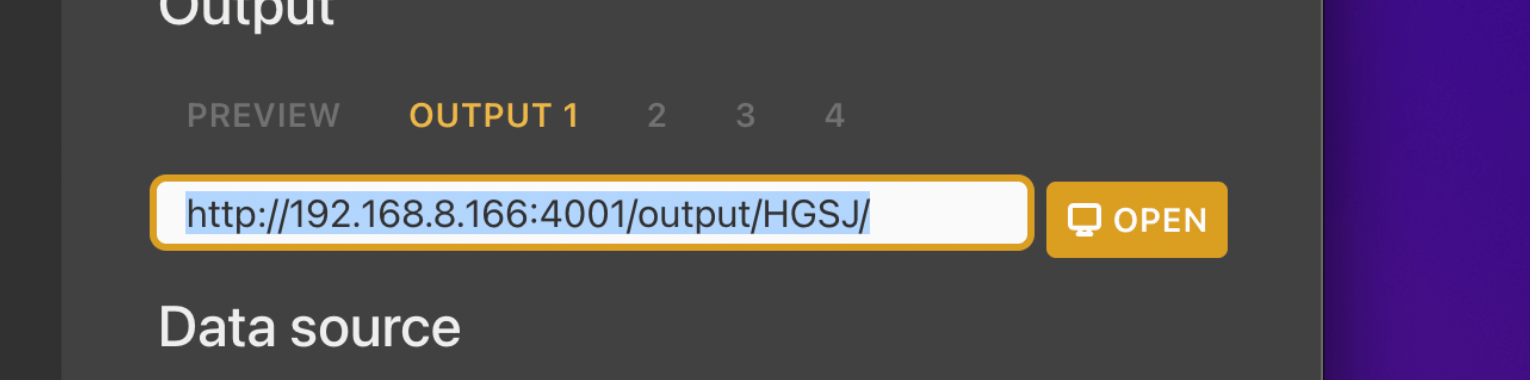
Open your project in H2R Graphics and copy the output URL.
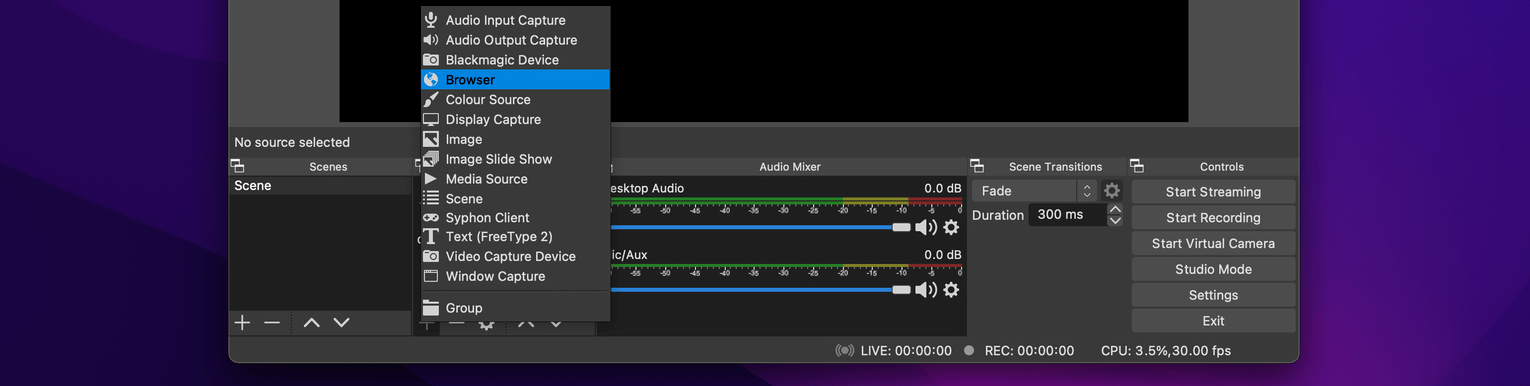
In OBS, add a new Browser source to your scene.
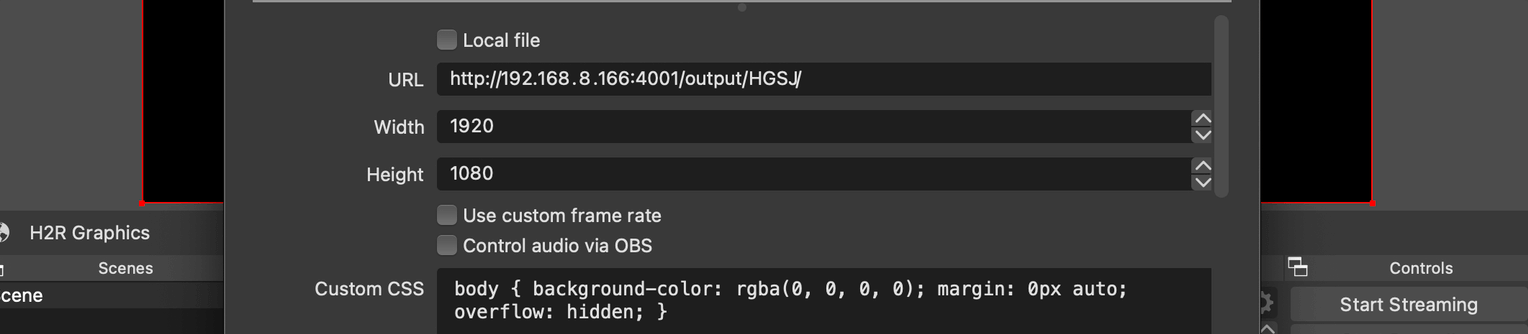
Paste in the URL and set the Width to 1920 and the Height to 1080.
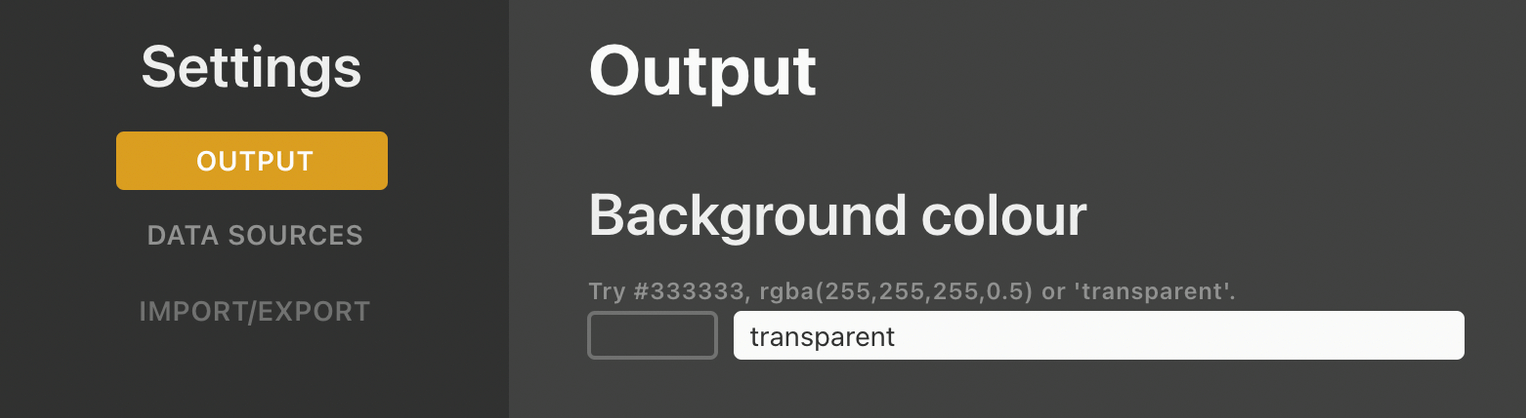
Outputs have a green background by default. Open Launcher > Output and type “transparent” as the background colour.
That’s it. Add the same Browser source to any scene that needs graphics.
Follow the full OBS guide for every step, or read why use H2R Graphics with OBS.
Simplify your graphics workflow
Start using graphics on your live stream or video productions.
Get H2R Graphics product updates
New features, releases and tips, straight to your inbox.
No spam. Unsubscribe any time.