
🆕 New in Version 3.4
Media trim, drag & drop images, a rebuilt CSS editor and more...
See what's new →🆕 New in Version 3.4
Media trim, drag & drop images, a rebuilt CSS editor and more...
See what's new →H2R Graphics can be controlled from any other computer, iPad or iPhone on your local network, with no extra software to install. Switch one setting, open a URL in a browser, and you get the same H2R Graphics interface you use on the main computer.
This is useful when an operator wants to run graphics from a laptop at the side of the stage, or a producer wants to fire lower thirds from an iPad.
You need two things:
By default, H2R Graphics is only reachable from the computer it is running on. To open it up to other devices, find the Network settings in the left sidebar of the Launcher and change the option from This computer to Your Network.
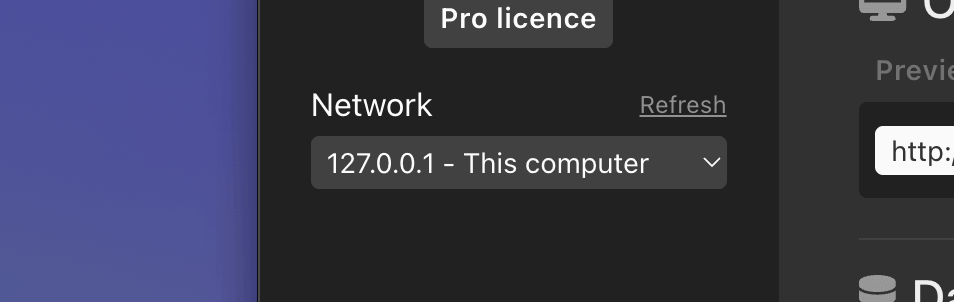
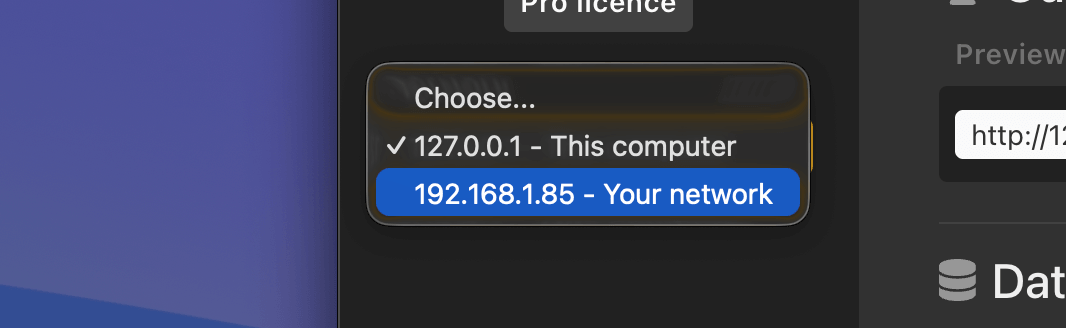
There are two ways to connect. Pick whichever suits the device.
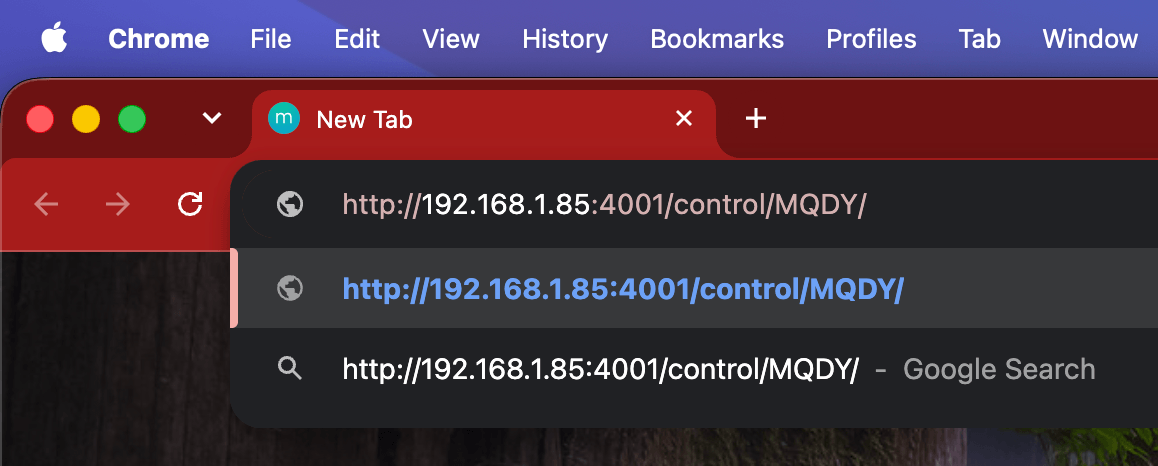
Type the network URL shown in H2R Graphics into the address bar of any modern browser (Chrome, Safari, Edge or Firefox) on the other computer.
The Launcher shows a QR code for the network URL. Point the iPad or iPhone camera at it and tap the link that appears. No typing needed.

That’s it. H2R Graphics works exactly as it does on the main computer. Every connected device controls the same project, so a graphic fired from the iPad goes live on the main output straight away.
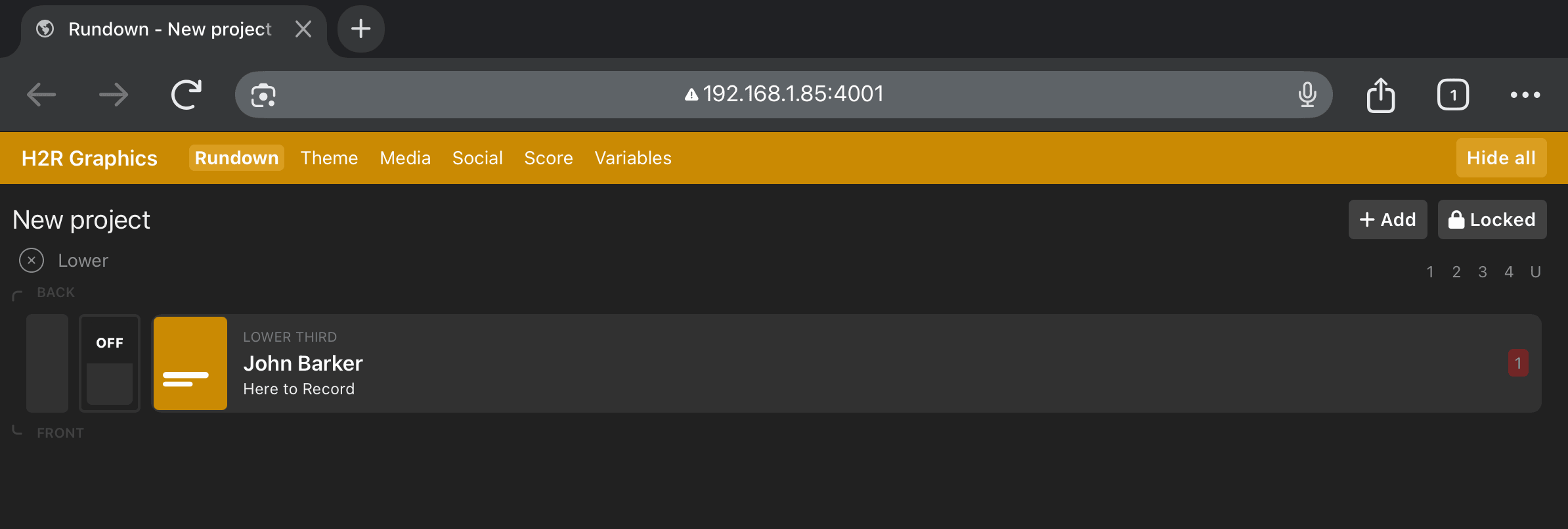
If the page won’t load on the other device:
Please use the issue and feedback form on our website: h2r.li/issue
Simplify your graphics workflow
Start using graphics on your live stream or video productions.
Get H2R Graphics product updates
New features, releases and tips, straight to your inbox.
No spam. Unsubscribe any time.