
🆕 New in Version 3.4
Media trim, drag & drop images, a rebuilt CSS editor and more...
See what's new →🆕 New in Version 3.4
Media trim, drag & drop images, a rebuilt CSS editor and more...
See what's new →The OGraf graphic lets you import an EBU OGraf web graphic and run it inside H2R Graphics. OGraf is an open, broadcaster-led standard for web-based graphics, so any graphic that follows the spec can be dropped straight into your show.
An OGraf graphic is made up of two things:
.ograf.json) that describes the graphic and the data it accepts.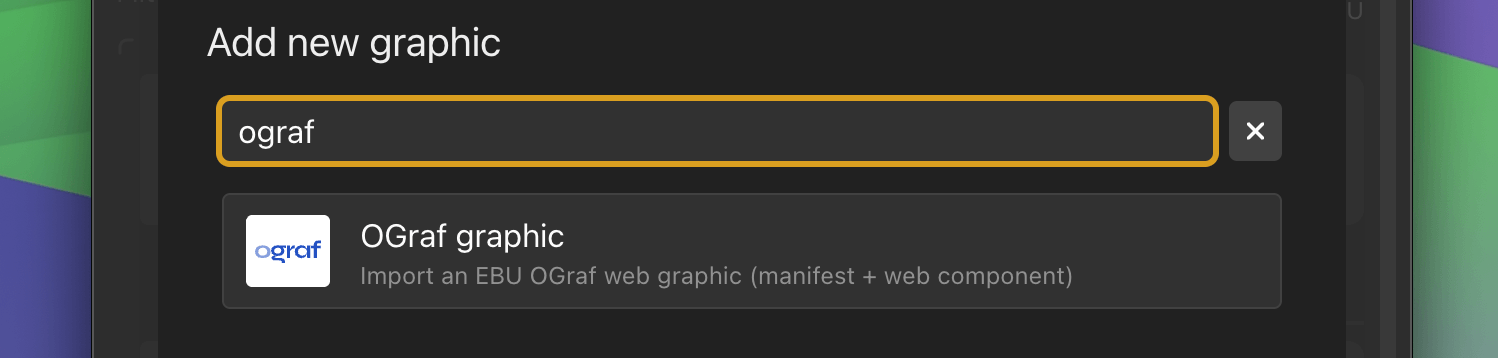
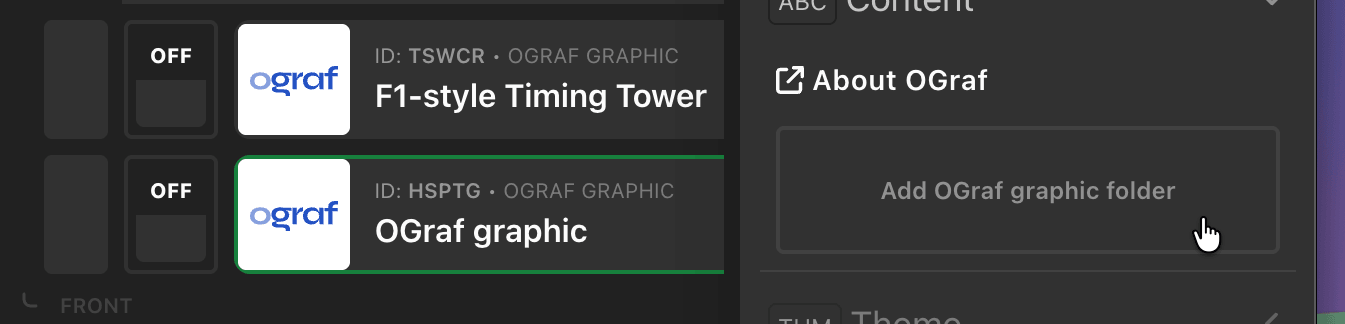
It’s important to choose the whole folder so the manifest, web component, and any assets like images and fonts keep their structure. If you pick individual files instead, you’ll be prompted to select the folder.
Once imported, the graphic’s name and description (read from the manifest) appear in the editor.
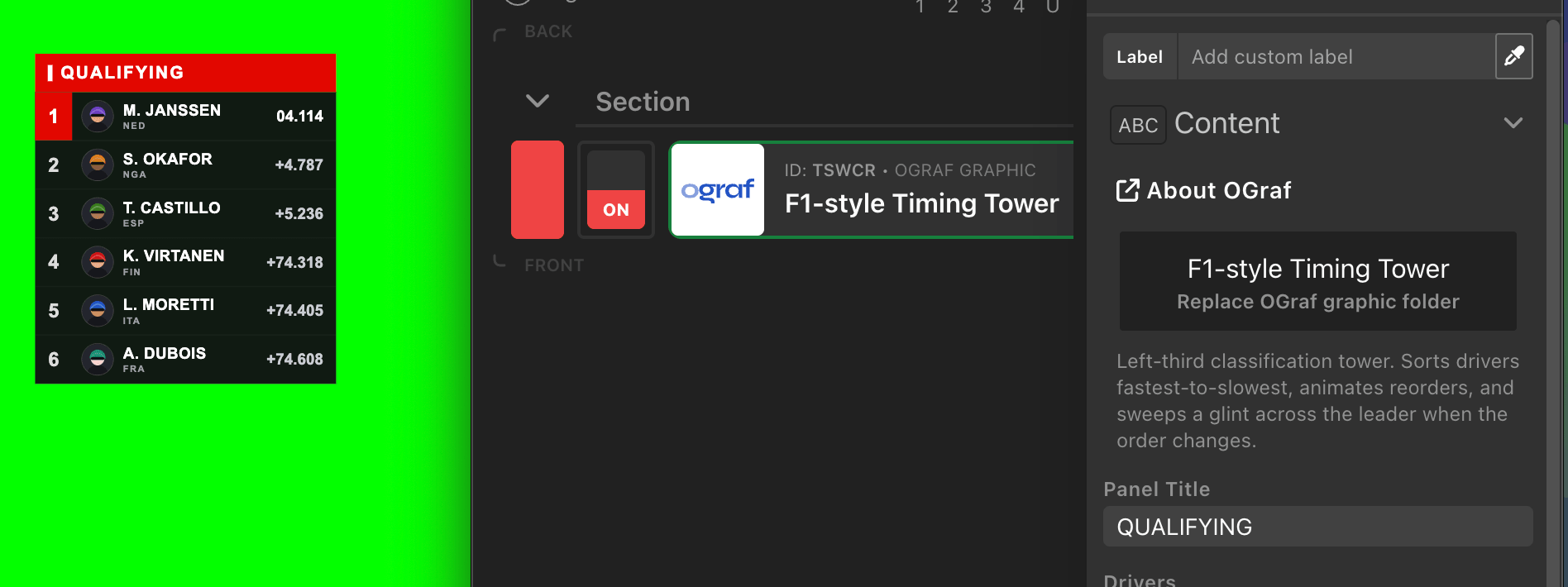
To swap in an updated version, click Replace OGraf graphic folder and choose the new folder. This replaces the previous bundle.
Any data fields the graphic exposes through its manifest are shown automatically in the editor. Depending on the field, you’ll see a text box, number input, checkbox, or dropdown. Fill these in to control what the graphic displays.
These values can also be driven by variables and data sources, so your OGraf graphic can update live just like the built-in graphics.
New to OGraf? Explore the tutorials and learn how OGraf templates are put together at ograf.dev/tutorials. It’s a great way to find templates to import and to understand what’s possible before building your own.
Simplify your graphics workflow
Start using graphics on your live stream or video productions.
Get H2R Graphics product updates
New features, releases and tips, straight to your inbox.
No spam. Unsubscribe any time.