
🆕 New in Version 3.4
Media trim, drag & drop images, a rebuilt CSS editor and more...
See what's new →🆕 New in Version 3.4
Media trim, drag & drop images, a rebuilt CSS editor and more...
See what's new →By John Barker • 9 June 2026
H2R Graphics now supports EBU OGraf, an open standard for web-based broadcast graphics. Import an OGraf graphic, made up of a manifest and a web component, and run it right inside your show as a new graphic type.
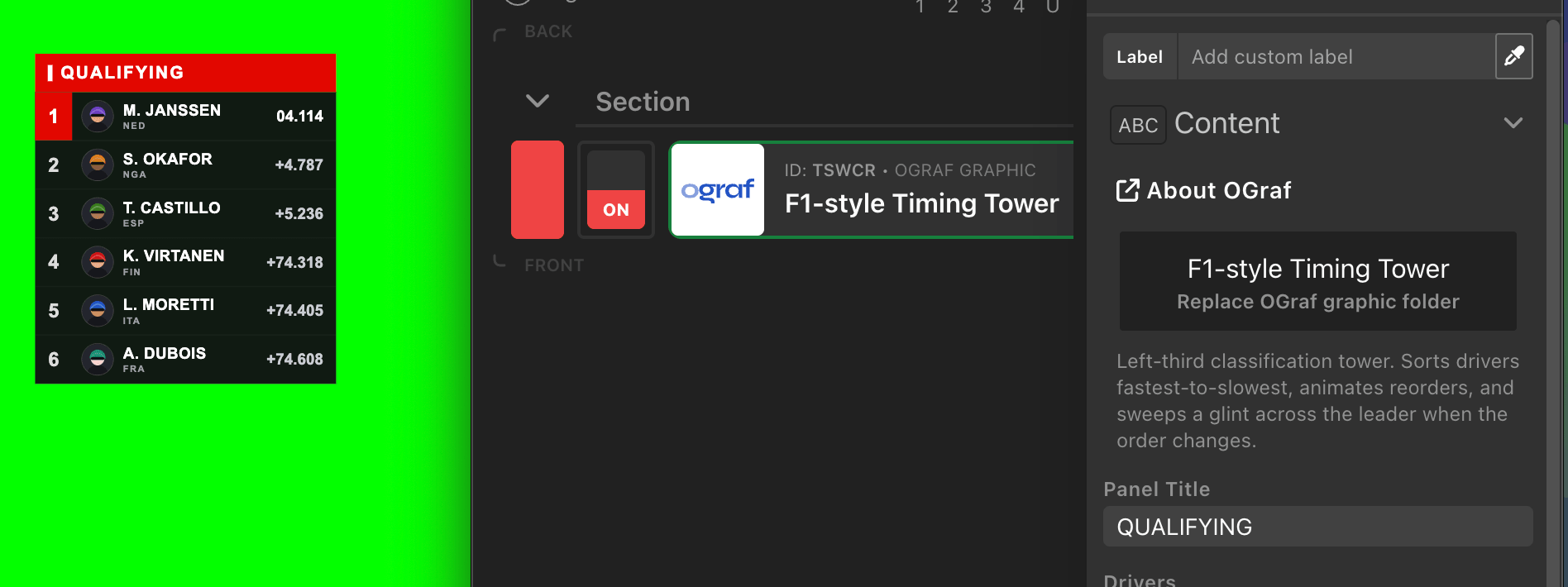
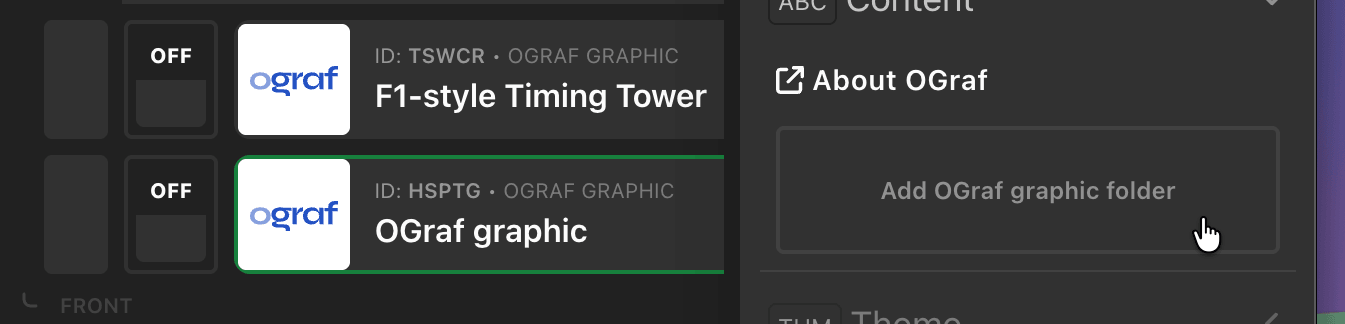
Add an OGraf graphic, click Add OGraf graphic folder, and choose the graphic’s folder. Its name, description, and data fields are read straight from the manifest, and you can drive those fields with variables and data sources just like the built-in graphics. OGraf graphics handle their own animations, so they come on and off air exactly as designed.
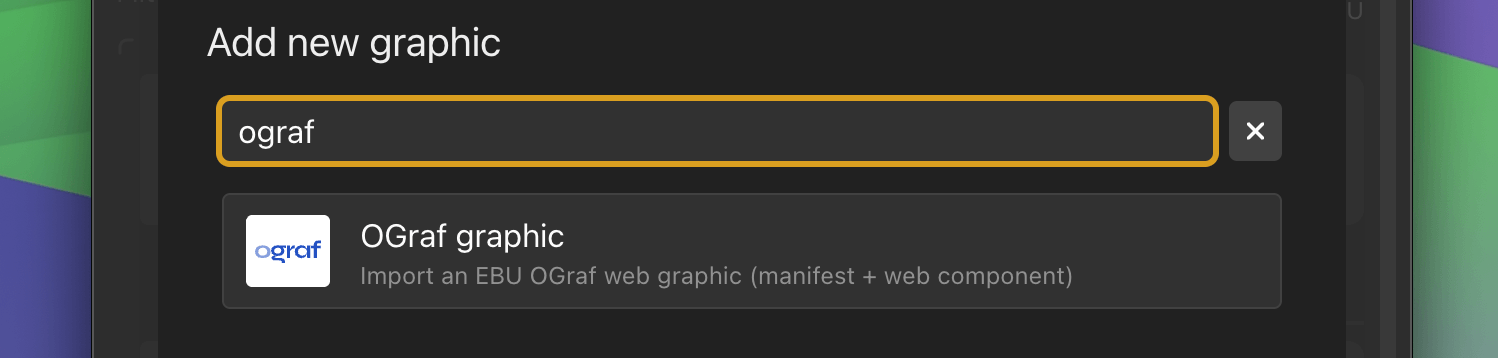
New to OGraf? You can explore tutorials and learn how OGraf templates are built at ograf.dev/tutorials.
Want to build your own custom OGraf graphics without hand-coding a manifest and web component? We’ve released a free, open-source Claude skill that turns a plain English description into a validated OGraf graphic, ready to import. Read Build custom OGraf graphics with AI to see how it works.
Learn more about OGraf on our documentation.
Moved, renamed, or deleted a file after adding it to a project? H2R Graphics now flags any missing assets in the Media tab with a clear File missing warning, so you can spot them at a glance.
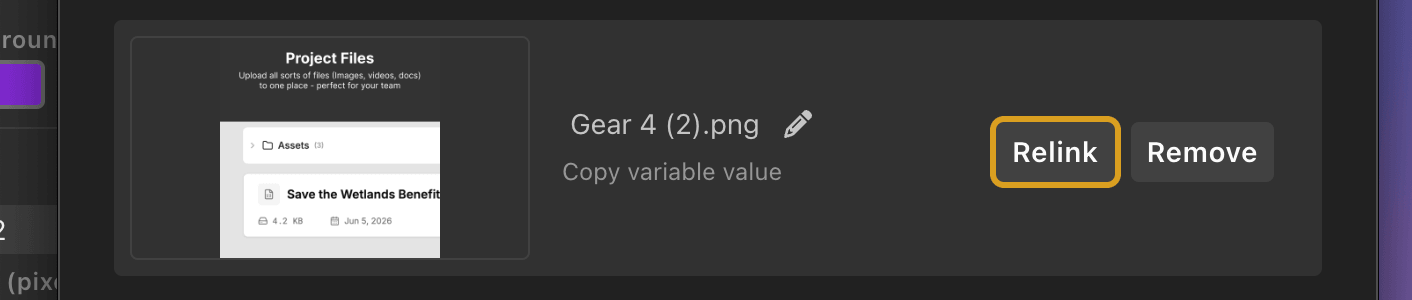
Click Relink, choose the replacement file, and the asset reconnects. Any graphics using it refresh automatically in both the preview and your outputs, with no need to restart the app or re-add the graphic. It’s the quickest way to recover a project after moving it to a new computer.
Learn more about the Media tab on our documentation.
In the Build graphic, a rectangle can now resize to fit a text item. Open the Link size to text section on a rectangle, then pick which text item its width and/or height should follow. Add a little padding and you’ve got a background bar or pill that always wraps its label, however long the text gets.
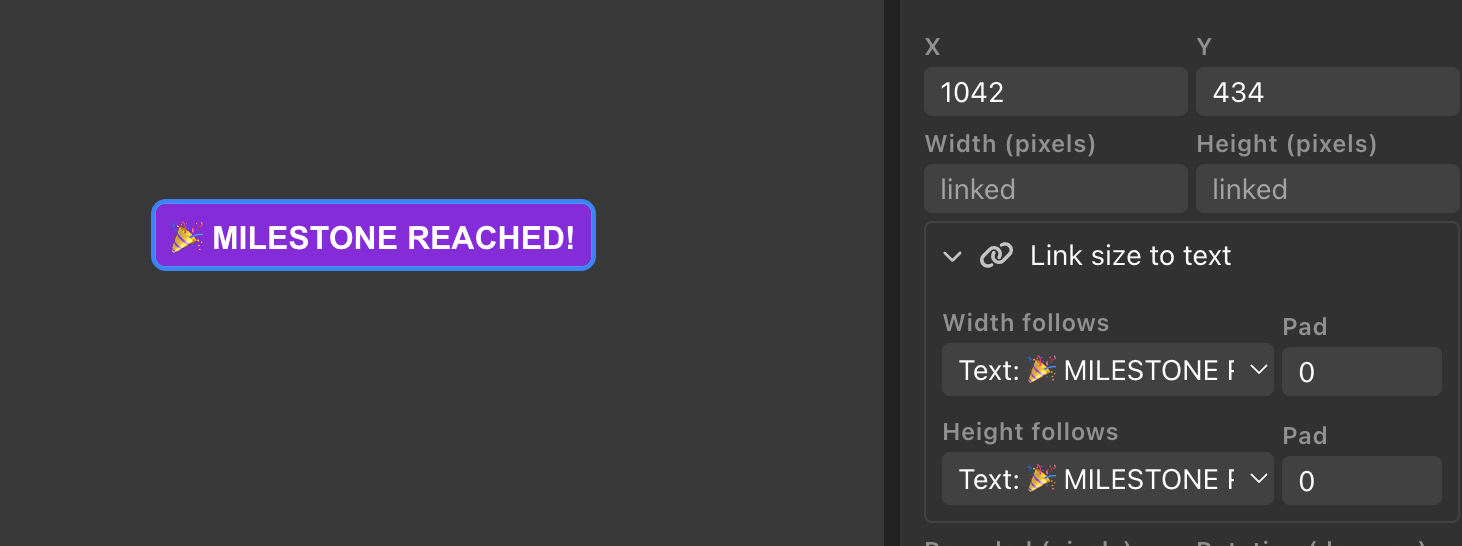
Width and height link independently, so you can follow one text item for width and another for height, or just link a single dimension.
Learn more about the Build graphic on our documentation.
The Test Pattern graphic can now play a reference audio tone alongside its visual pattern, perfect for checking your audio path end to end. Choose between a steady Tone, a repeating Ring, or a looping Sweep, and set the level with the Tone volume slider.
Learn more about the Test Pattern graphic on our documentation.
Underline formatting in text now uses __double underscores__ instead of single. This avoids clashes with single underscores in everyday text, like data pulled from a spreadsheet column named employee_last_name.
Simplify your graphics workflow
Start using graphics on your live stream or video productions.
Get H2R Graphics product updates
New features, releases and tips, straight to your inbox.
No spam. Unsubscribe any time.