
🆕 New in Version 3.3
OGraf web graphics, Media relink, test pattern tone and more...
See what's new →🆕 New in Version 3.3
OGraf web graphics, Media relink, test pattern tone and more...
See what's new →By John Barker • 15 June 2026
We recently added an OGraf graphic feature to H2R Graphics, which lets you import any EBU OGraf web graphic and run it right inside your show. OGraf is an open, broadcaster-led standard for web-based graphics, so a graphic that follows the spec drops straight into your live production.
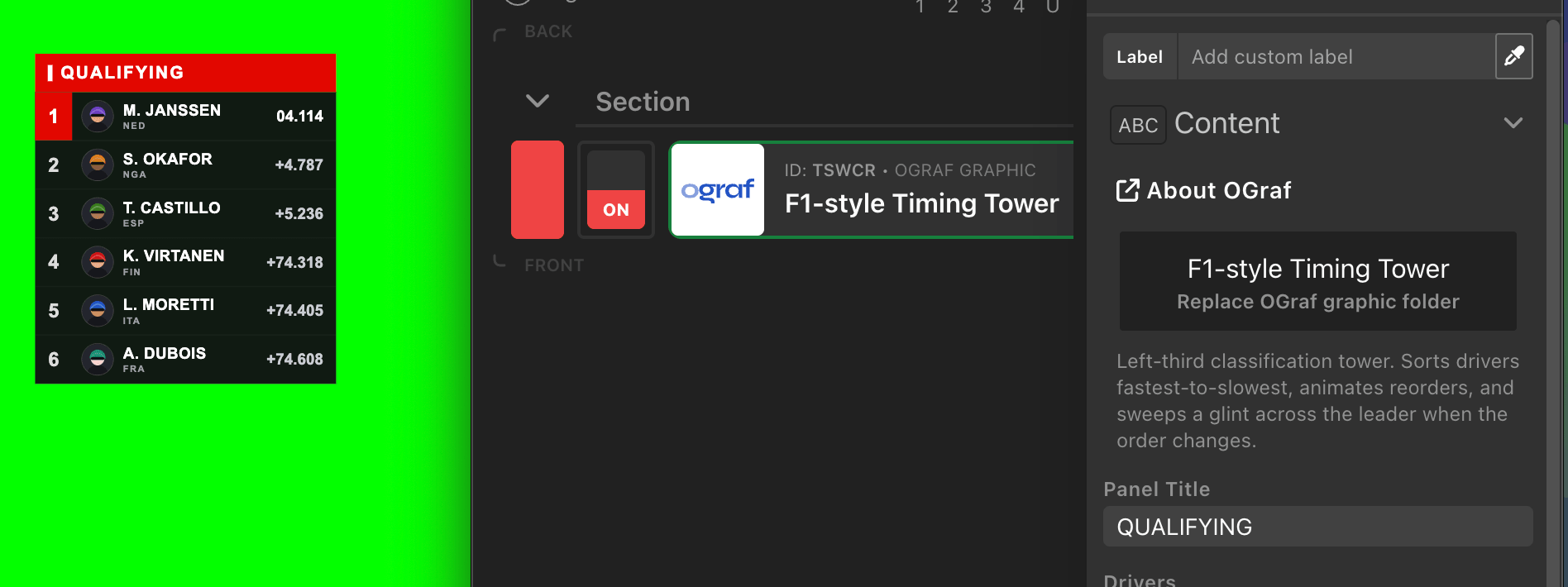
That raises an obvious question: where do you get OGraf graphics from? You can grab templates from the community, or you can build your own. Building your own might mean knowing the spec inside out, writing a manifest, hand-coding a web component, and testing it all against a renderer.
That’s why we built an open-source OGraf Graphics Skill for Claude that turns a plain English description into a working, validated OGraf graphic, ready to import into H2R Graphics.
The skill teaches Claude how to build broadcast graphics that conform to the EBU OGraf v1 specification. You describe the graphic you want, and Claude generates the whole bundle for you:
.ograf.json) describing the graphic and the data fields it accepts.Because the output follows the spec, it runs in any OGraf-compatible renderer, including H2R Graphics.
What makes it more than just “ask an AI to write some code” is the inclusion of the following elements into the skill:
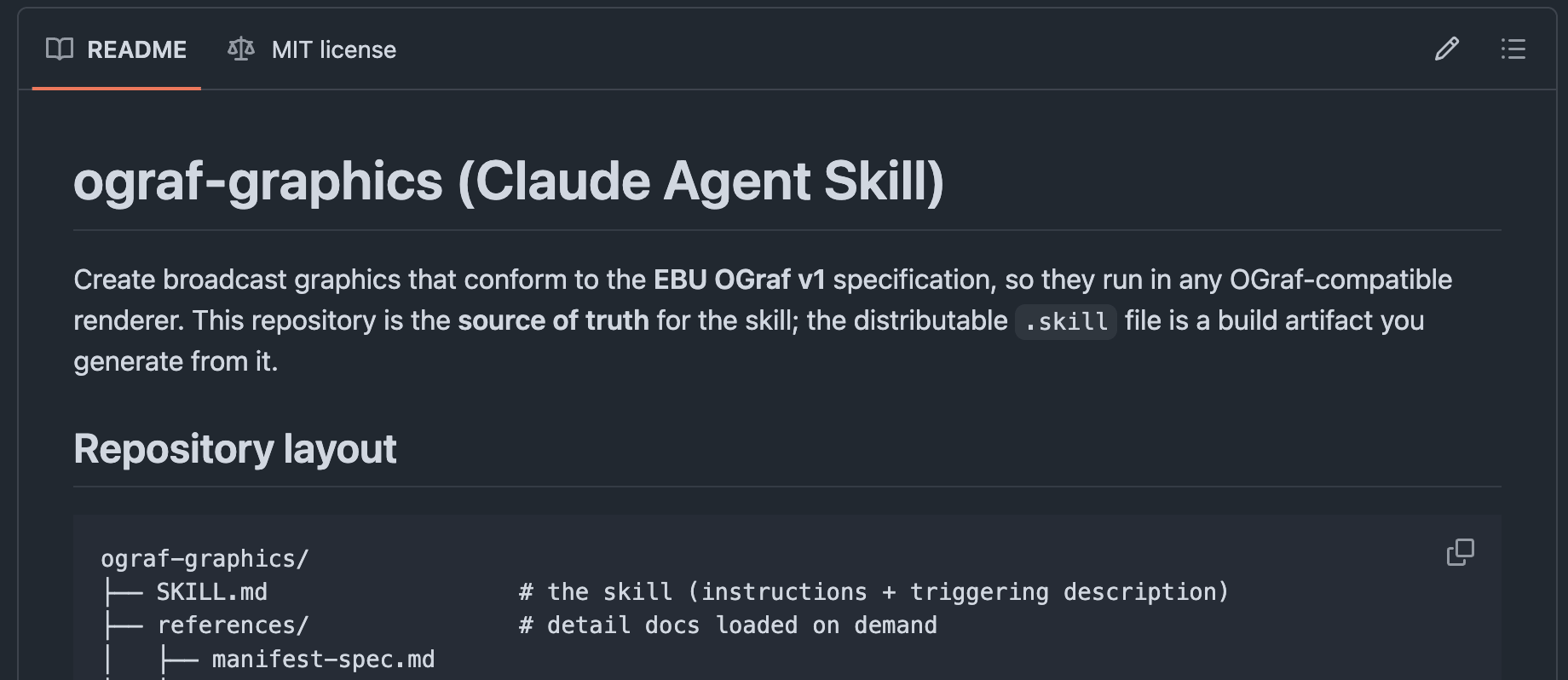
The skill is open source and lives on GitHub at github.com/heretorecord/ograf-graphics-skill.
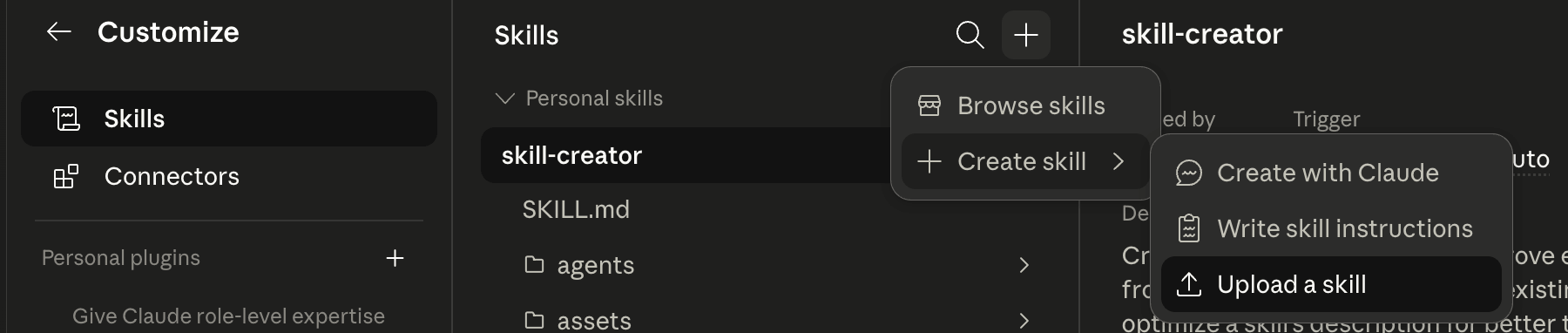
Getting it into Claude is straightforward. The quickest way is to download the latest skill file, then add it wherever you load skills. Claude pulls it in automatically when you ask for an OGraf graphic.
The exact steps depend on how you use Claude:
That’s it, no command line required to start building graphics.
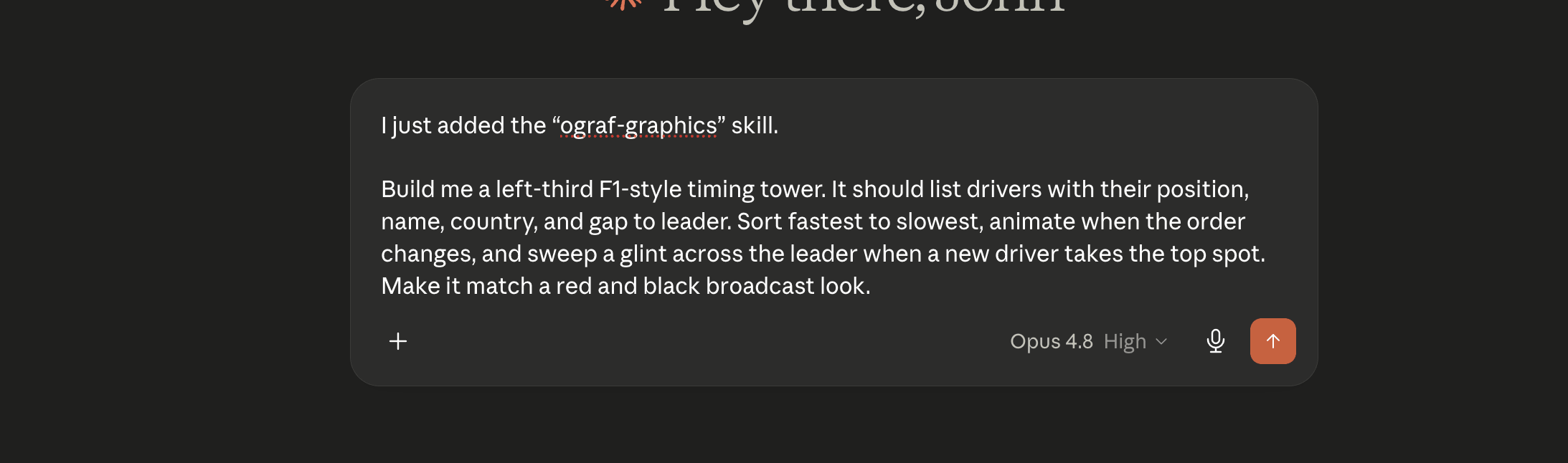
Here’s how a typical session goes. Say you’re covering a motorsport event and you want a classification tower down the left third of the screen.
You start with a prompt to get Claude started on your graphics:
Build me a left-third F1-style timing tower. It should list drivers with their position, name, country, and gap to leader. Sort fastest to slowest, animate when the order changes, and sweep a glint across the leader when a new driver takes the top spot. Make it match a red and black broadcast look.
The more detail you give about the data fields and the on-screen behaviour, the closer the first result will be.
Claude generates the manifest, the web component, and the data fields, then checks the result against the bundled validator. If anything doesn’t conform to the spec, it gets flagged and Claude fixes it in place. You end up with a folder that’s been checked against the real OGraf schema, not just something that looks plausible.
You can ask for changes too: tweak the colours, add a fastest-lap badge, change how the reorder animates, adjust the spacing. Each round produces an updated, re-validated bundle.
Once you’re happy with the graphic, getting it on screen is the same flow as any other OGraf graphic:
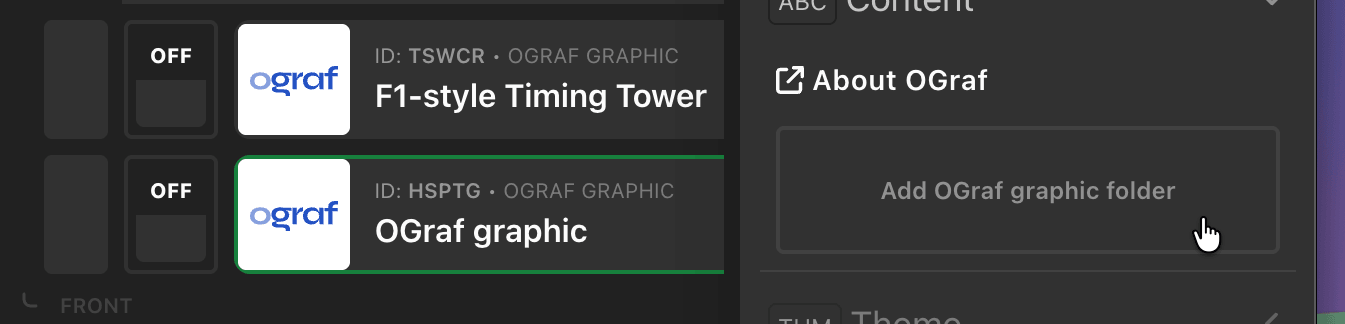
H2R Graphics reads the manifest, so the graphic’s name, description, and all of its data fields appear automatically in the editor. Fill them in to control what’s shown, and you’re live.
Because these are standard data fields, they can also be driven by variables and data sources, so your AI-built graphic can update live during the show, just like the built-in graphics. For the full import workflow, see the OGraf graphic docs.
We don’t think AI is the ultimate answer to broadcast graphics, and a skilled designer will almost always do a better job. Taste, brand consistency, motion design, and the hundred small judgement calls that make a graphic feel right are still very much a human craft.
What this workflow is good for is getting started. Use it to:
Because the output is standard OGraf that validates against the official spec, it’ll run in the renderer, it isn’t locked to one tool, and a designer can pick it up and take it the rest of the way.
The skill is free and open source. Grab it from GitHub, build your first graphic, and import it into H2R Graphics.
New to OGraf and want to understand how the templates are put together? The tutorials at ograf.dev/tutorials are a great place to start.
As always, give it a go and send us feedback. We’d love to see what you build.
Simplify your graphics workflow
Start using graphics on your live stream or video productions.