
🆕 New in Version 3.4
Media trim, drag & drop images, a rebuilt CSS editor and more...
See what's new →🆕 New in Version 3.4
Media trim, drag & drop images, a rebuilt CSS editor and more...
See what's new →By John Barker • 13 October 2026
For people watching at home, the stream is the service. Graphics are how they follow along: who is speaking, which song is being sung, what passage is being read, and what is happening this week. Without them, an online viewer is just watching a wide shot of a stage.
The challenge is that most churches run their stream with volunteers who rotate week to week. The graphics setup has to be simple enough that someone can run it after a five-minute handover.
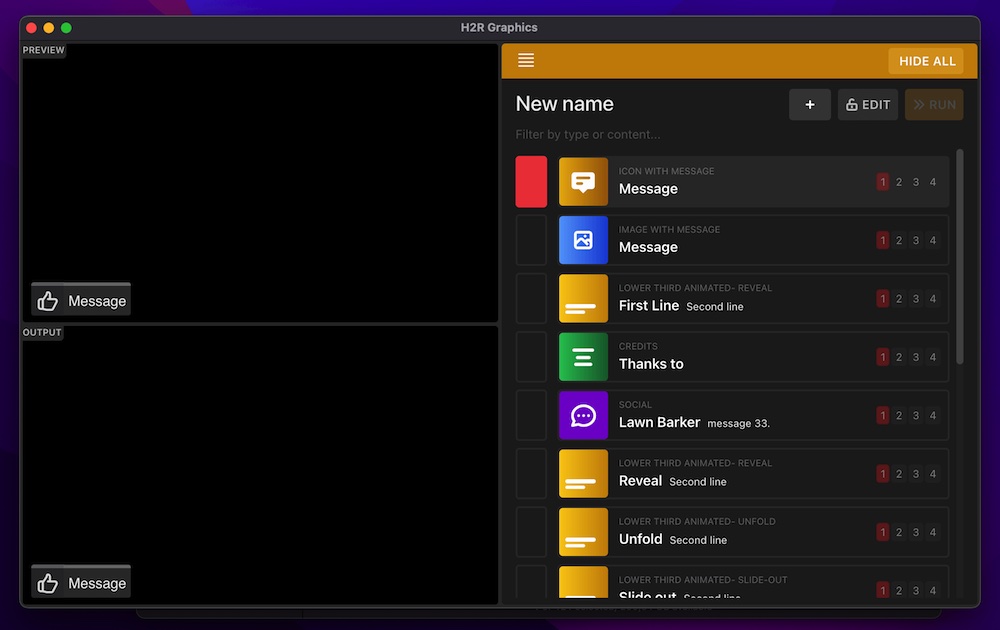
Most services need the same handful of graphics every week:
H2R Graphics is a free download for Mac, Windows, Linux and Raspberry Pi, and is used by churches from small community halls to Berlin Cathedral. It runs alongside your streaming software and sends all your graphics through one output.
Create a project and add the graphics for a typical Sunday to the rundown, in order:
Message graphic for “Welcome” and a Time graphic counting down to the service start time.Lower third graphics for the regular speakers. Most churches have the same few names each week, so these rarely change.Lyrics graphic for each song (Pro). Paste the lyrics in and each line becomes clickable, so the operator just clicks along with the band.Lower third or Message for each scripture reference.QR Code graphic linking to your online giving or connect card.Message with next week’s service time.Next week, just update the names, songs and readings. The structure stays the same.
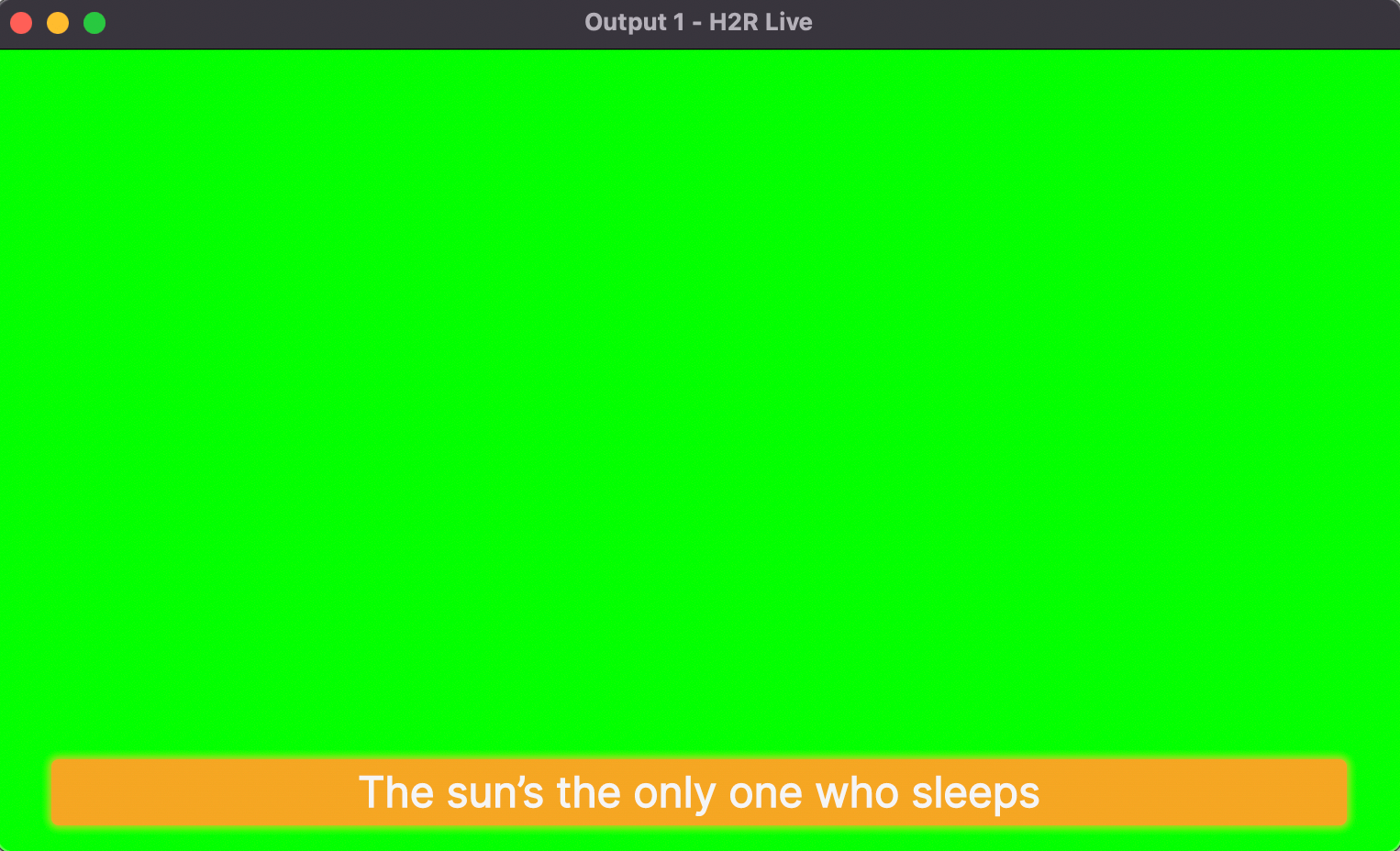
Bring the H2R Graphics output into whatever you already use:
Volunteers do not have to sit at the streaming computer. Turn on local network control and anyone can run graphics from a laptop or iPad in the room. If your team already uses a Stream Deck, the Companion module puts every graphic on a button.
Graphics are one part of a church stream. If you are planning the cameras, audio and switcher too, our sister app H2R Gear has a full guide to live streaming a church service and a free church live stream diagram template.
Download H2R Graphics for free and have this Sunday’s graphics ready in an afternoon.
Simplify your graphics workflow
Start using graphics on your live stream or video productions.
Get H2R Graphics product updates
New features, releases and tips, straight to your inbox.
No spam. Unsubscribe any time.