
🆕 New in Version 3.4
Media trim, drag & drop images, a rebuilt CSS editor and more...
See what's new →🆕 New in Version 3.4
Media trim, drag & drop images, a rebuilt CSS editor and more...
See what's new →By John Barker • 29 Jan 2026
First lets talk licences. Version 3 is a new major version of the app which means a new licence. Get yours over on our Pricing page.
Upgrade pricing:
So basically if you have ever purchased a licence you are in for a treat. Thanks, as always, for supporting the project.
Build completely custom graphics with our new drag/drop interface. This allows you to finally build a graphic that is on brand and perfect for your live stream and video production.
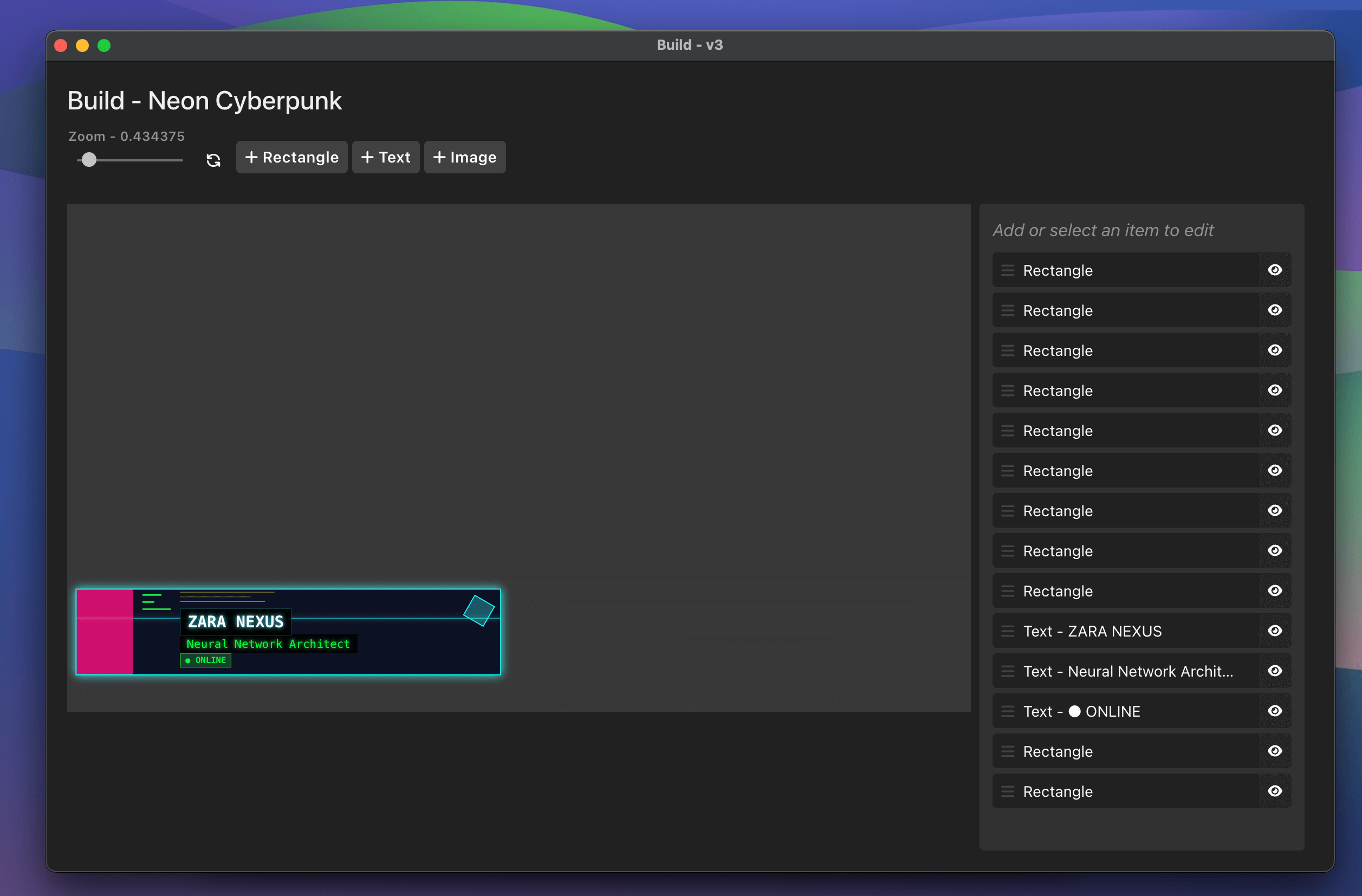
We’ve even added a bunch of templates to get you started with building - or you can start from scratch yourself.
These are a great starting point and have been divided into helpful sections:
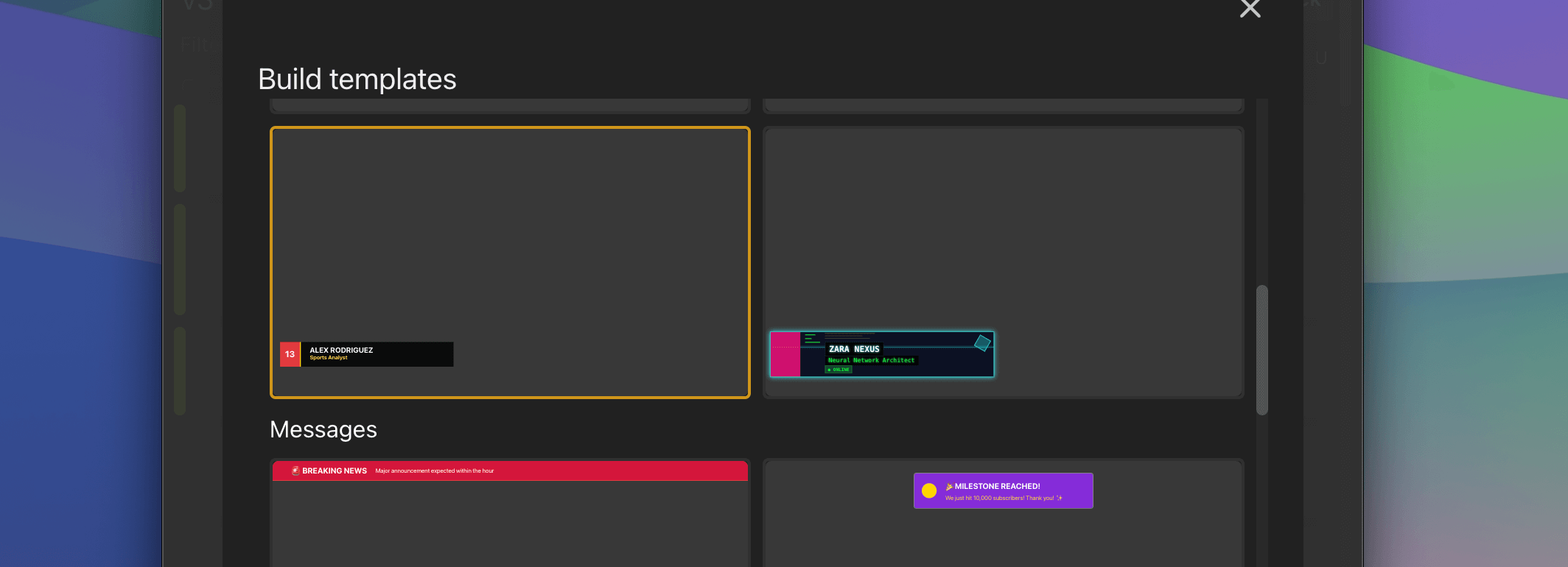
Learn even more about how this works on our documentation.
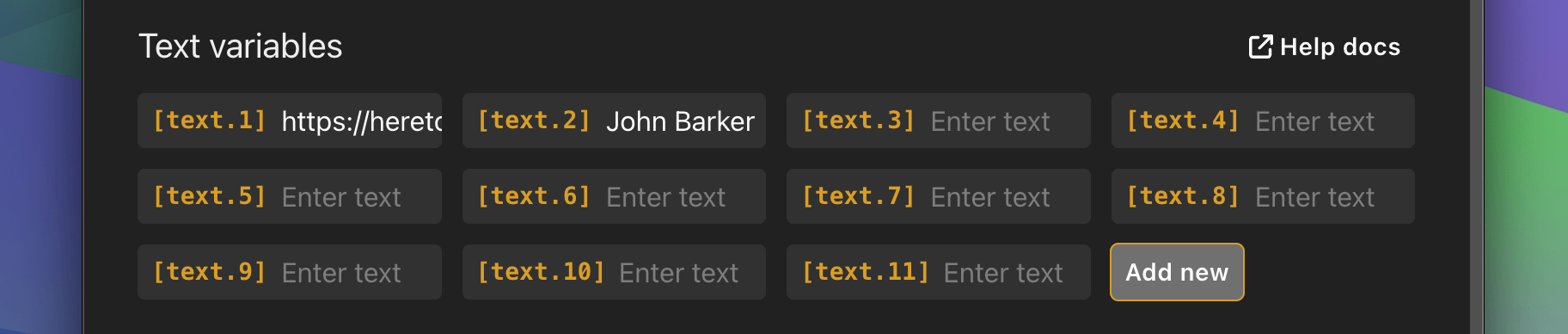
Add as many text variables as you need in the latest version. We had this fixed to 6 before but now Pro users can add as many as they need.
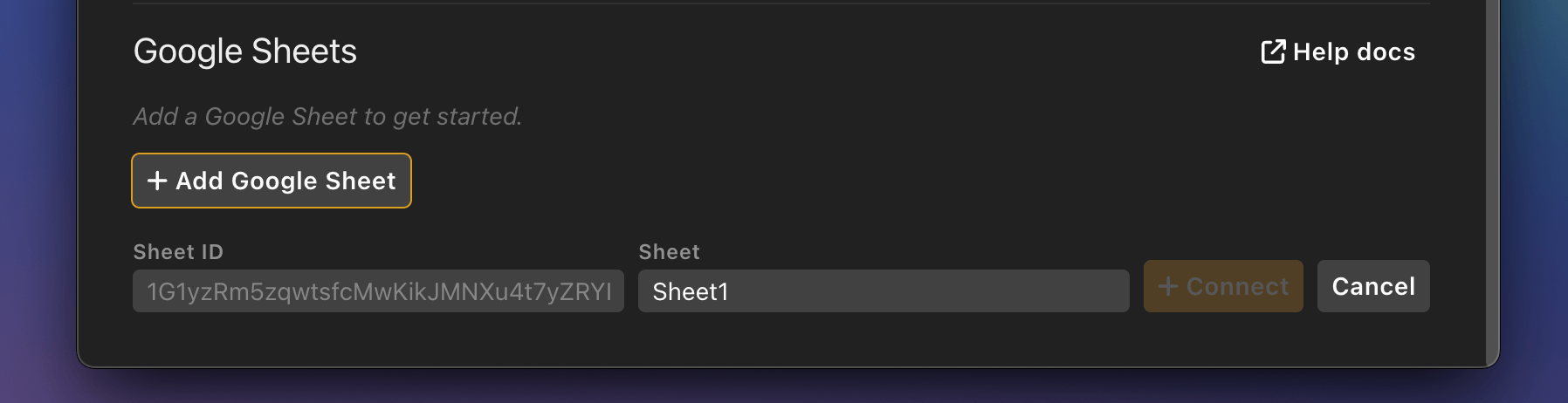
Use the new Google Sheets integration to pull data from a Google Sheet. This data can then be used in any graphic that you have in your rundown.
Simply paste the ID of your google sheet into the “Variables” tab and start pulling data.
Then use the quick copy/paste option within column headings to add data to any graphic.
We’ve added a special way to create specific outputs that only contain one single graphic from your rundown.
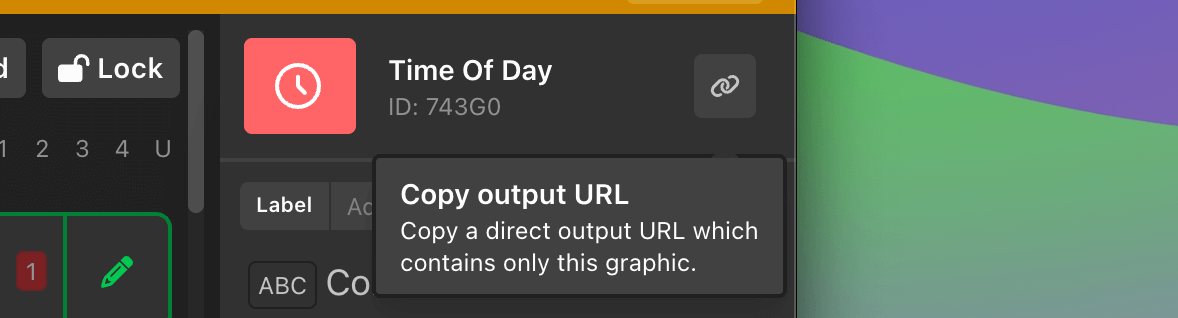
Copy the link from any graphic and then open that in a browser anywhere on your network - this specific link will only load that one graphic. This is super handy for building graphics for certain displays and being confident that you will only show that one graphic.
We’ve recently added a full Audience Q&A system to our H2R Graphics Cloud offering - this lets you ask questions to your audience.
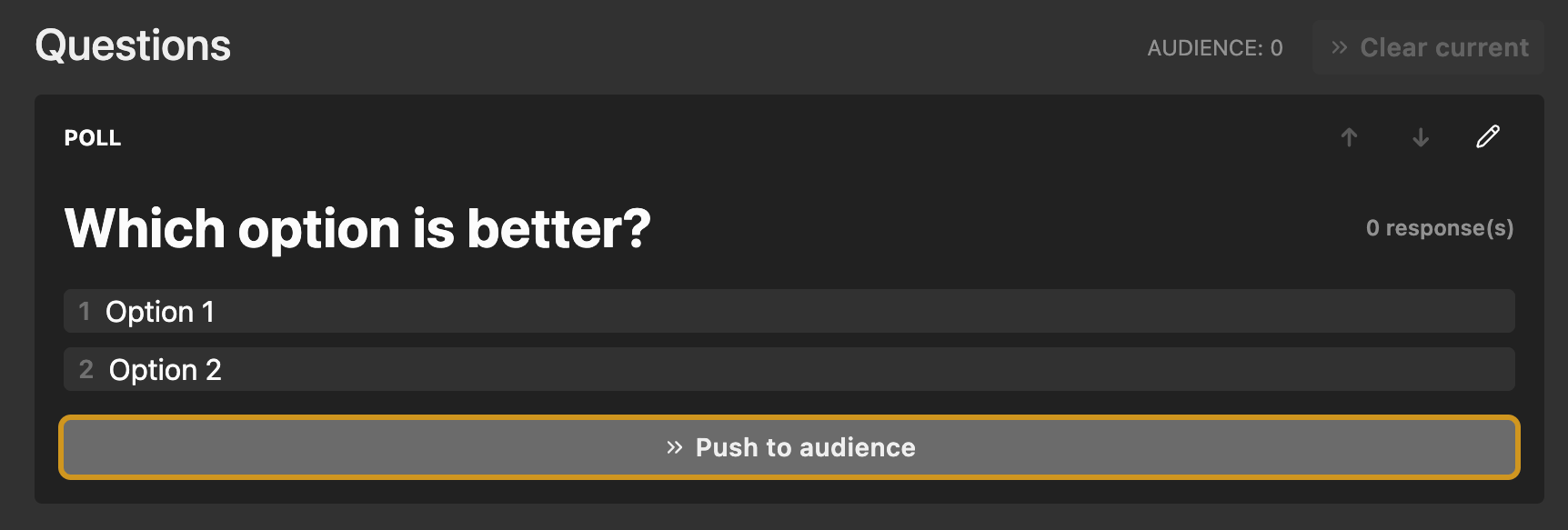
Explore how this feature works here.
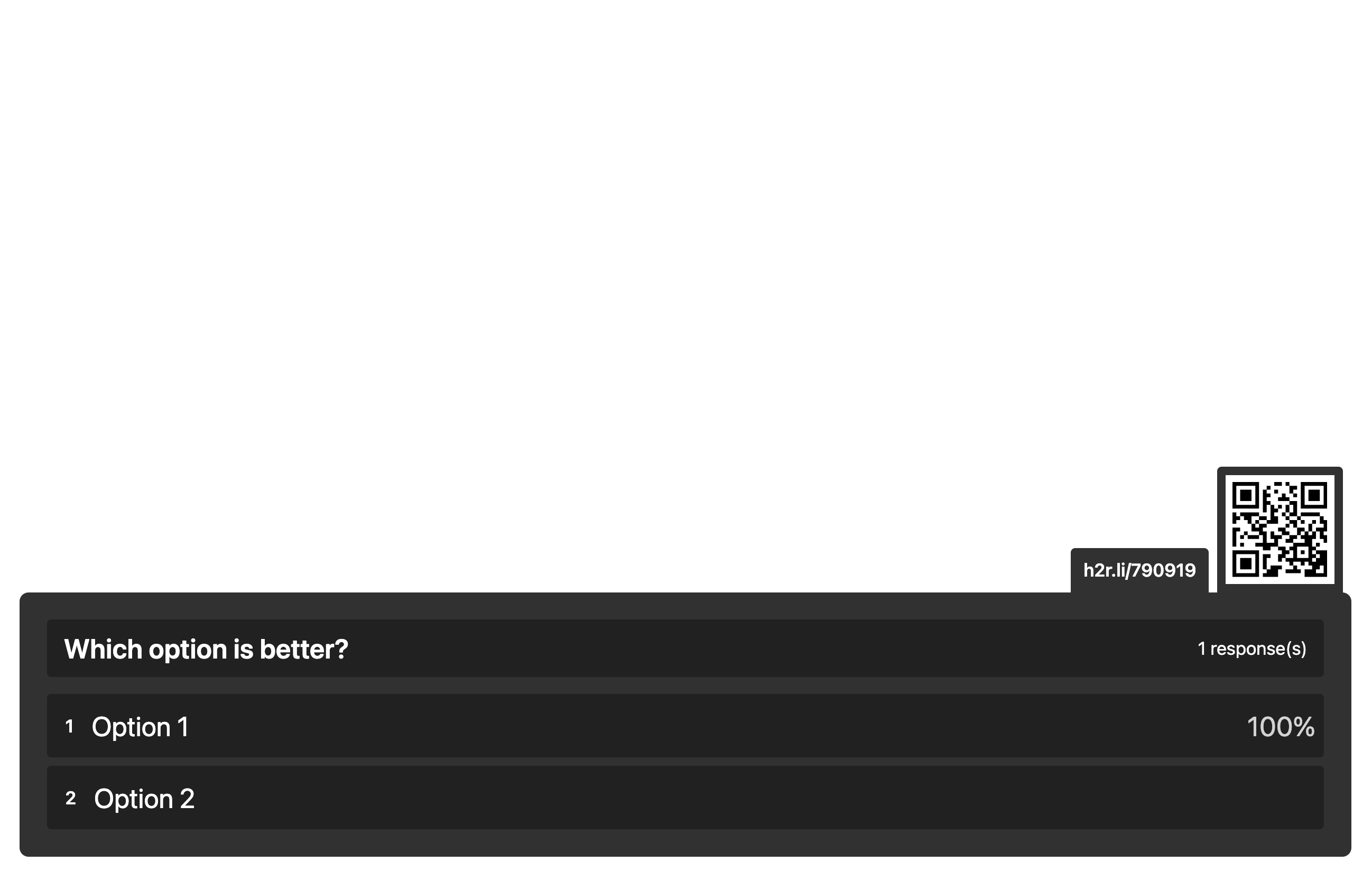
The new graphic allows you to quickly add the graphical output from our cloud-based system right into H2R Graphics.
Sections to show/hide graphics in the rundown.Score graphic.To time of day graphic when time is done.Webpage graphics.Lower Third.Image graphics.Audio and Video graphics.Simplify your graphics workflow
Start using graphics on your live stream or video productions.
Get H2R Graphics product updates
New features, releases and tips, straight to your inbox.
No spam. Unsubscribe any time.