Release video
v3 licence
First lets talk licences. Version 3 is a new major version of the app which means a new licence. Get yours over on our Pricing page.
Upgrade pricing:
- Purchased after Jan 1st, 2026: Free upgrade.
- Purchased before Jan 1st, 2026: 25% off - Check your email inbox for your unique discount code.
So basically if you have ever purchased a licence you are in for a treat. Thanks, as always, for supporting the project.
New: Build graphic (Pro)
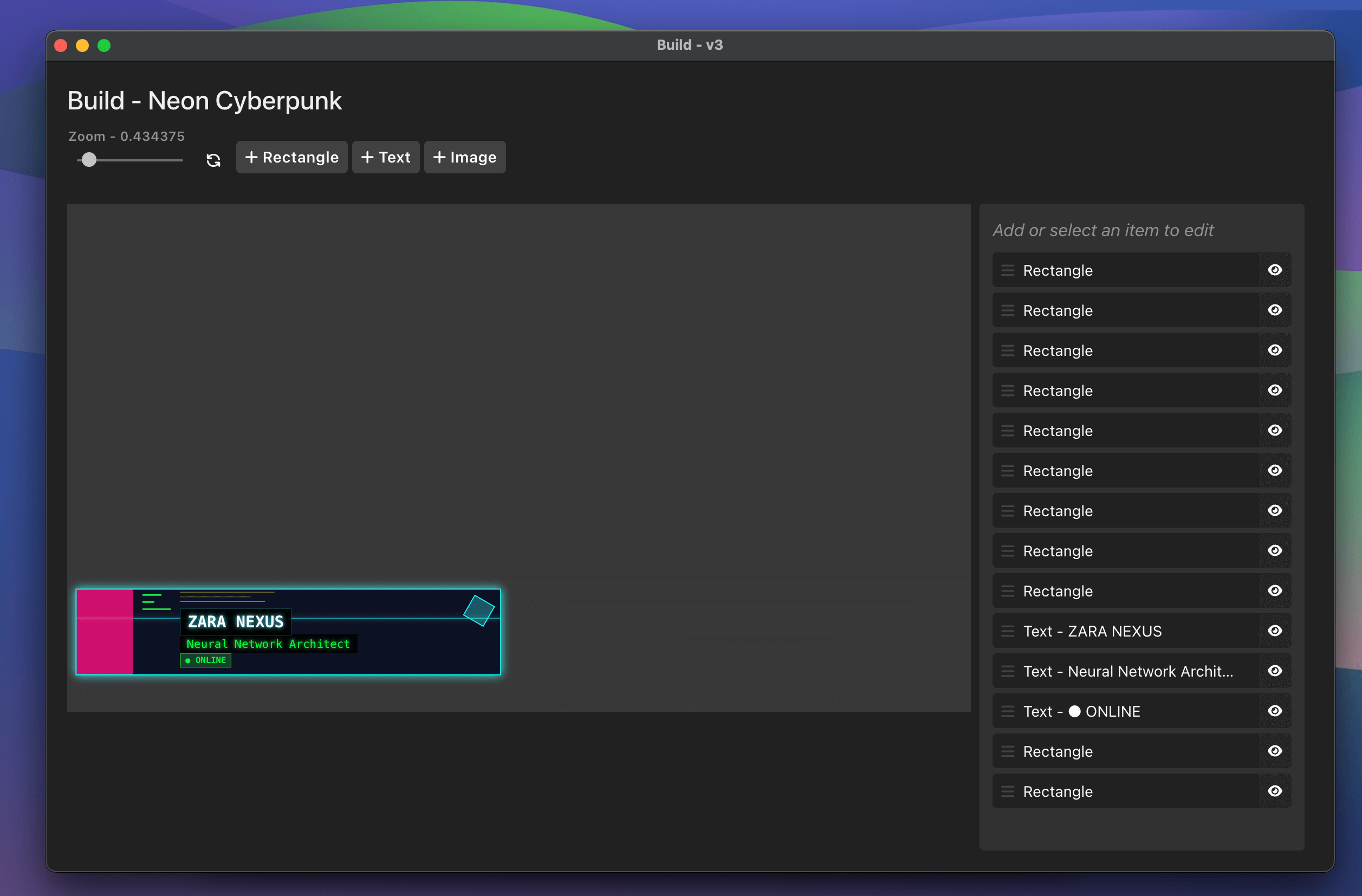
Build completely custom graphics with our new drag/drop interface. This allows you to finally build a graphic that is on brand and perfect for your live stream and video production.
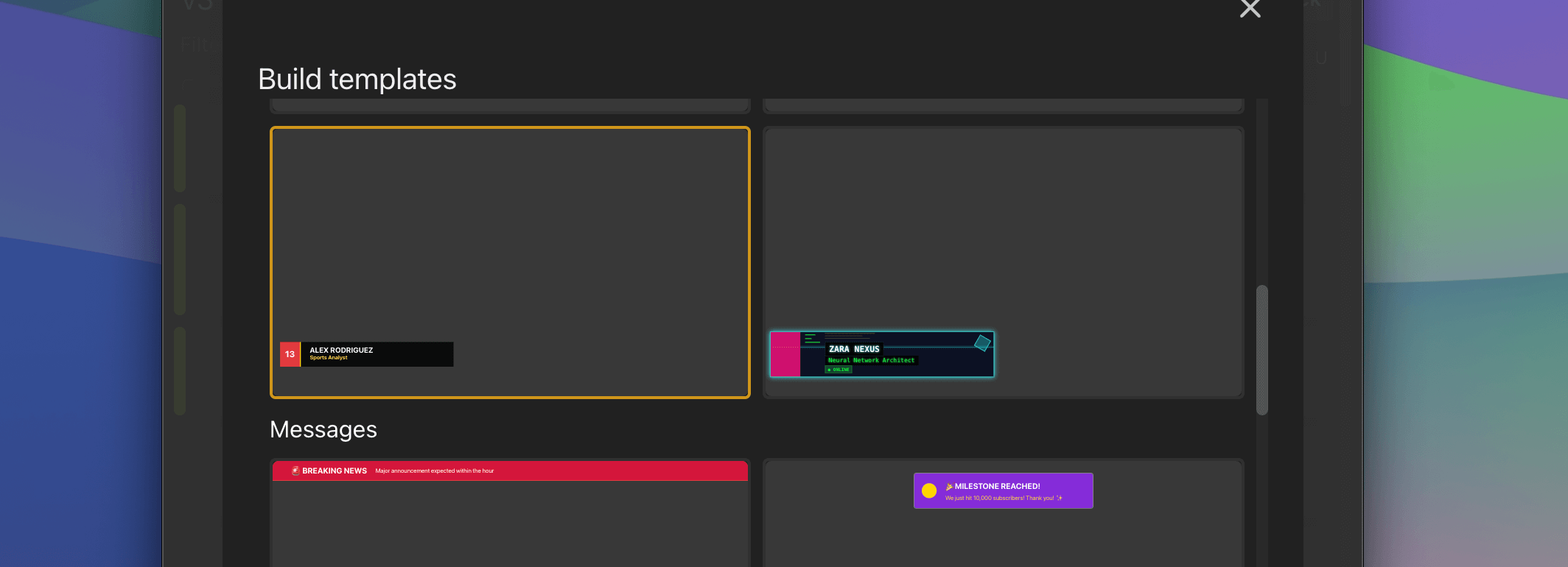
We’ve even added a bunch of templates to get you started with building - or you can start from scratch yourself.
These are a great starting point and have been divided into helpful sections:
- Simple Templates: Blank and simple text.
- Lower Third Templates: Perfect for identifying speakers, players, or interview subjects.
- Message Templates: For notifications, alerts, and announcements.
- Panel Templates: Large feature graphics for in-depth information.
Learn even more about how this works on our documentation.
More text variables (Pro)
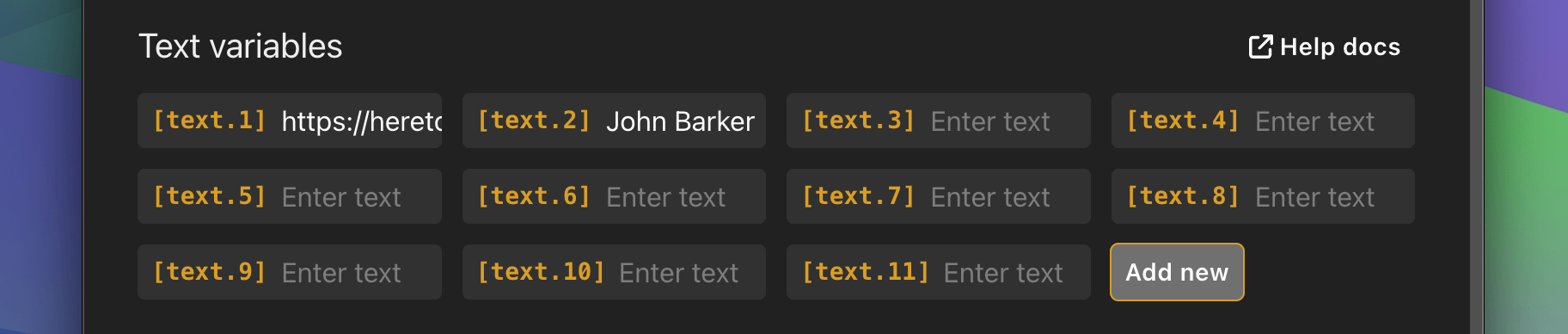
Add as many text variables as you need in the latest version. We had this fixed to 6 before but now Pro users can add as many as they need.
Google Sheets integration
Use the new Google Sheets integration to pull data from a Google Sheet. This data can then be used in any graphic that you have in your rundown.
Simply paste the ID of your google sheet into the “Variables” tab and start pulling data.
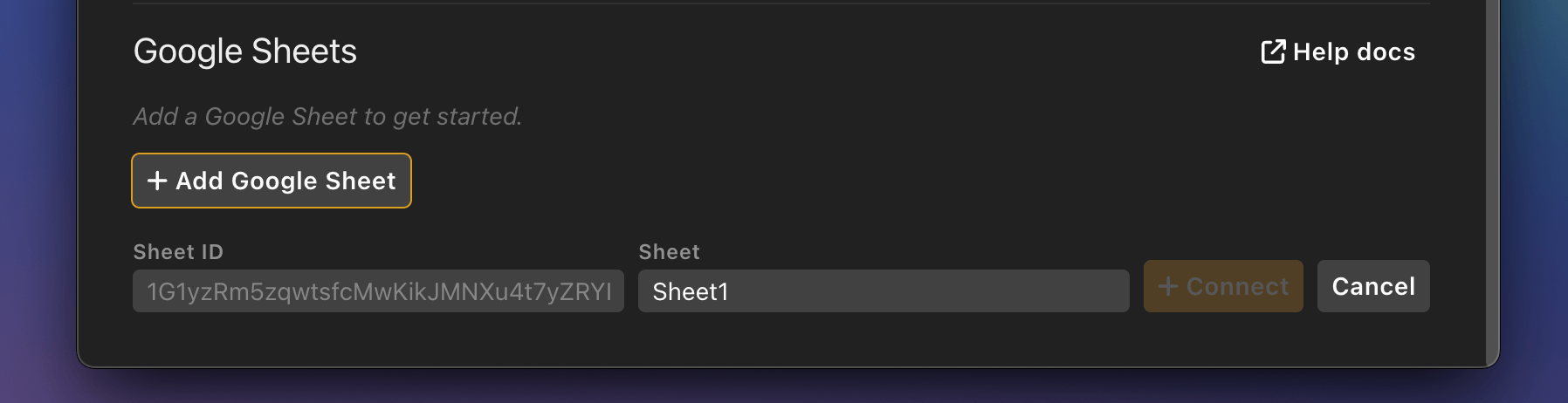
Then use the quick copy/paste option within column headings to add data to any graphic.
Direct link to any graphic
We’ve added a special way to create specific outputs that only contain one single graphic from your rundown.
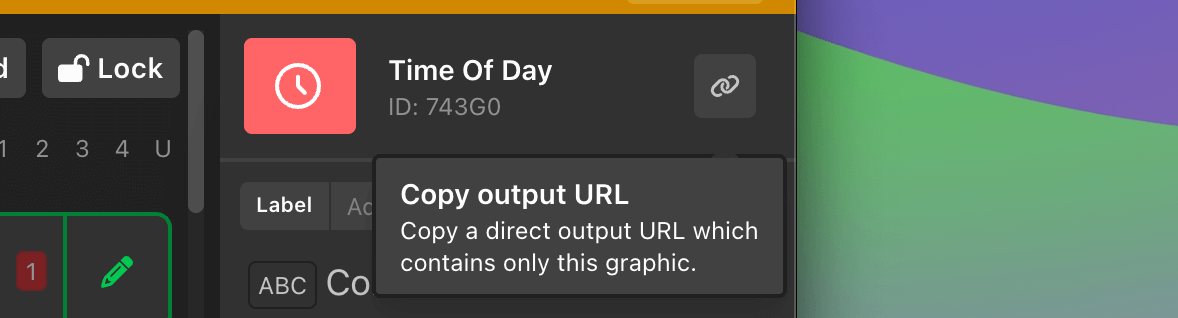
Copy the link from any graphic and then open that in a browser anywhere on your network - this specific link will only load that one graphic. This is super handy for building graphics for certain displays and being confident that you will only show that one graphic.
Audience Q&A
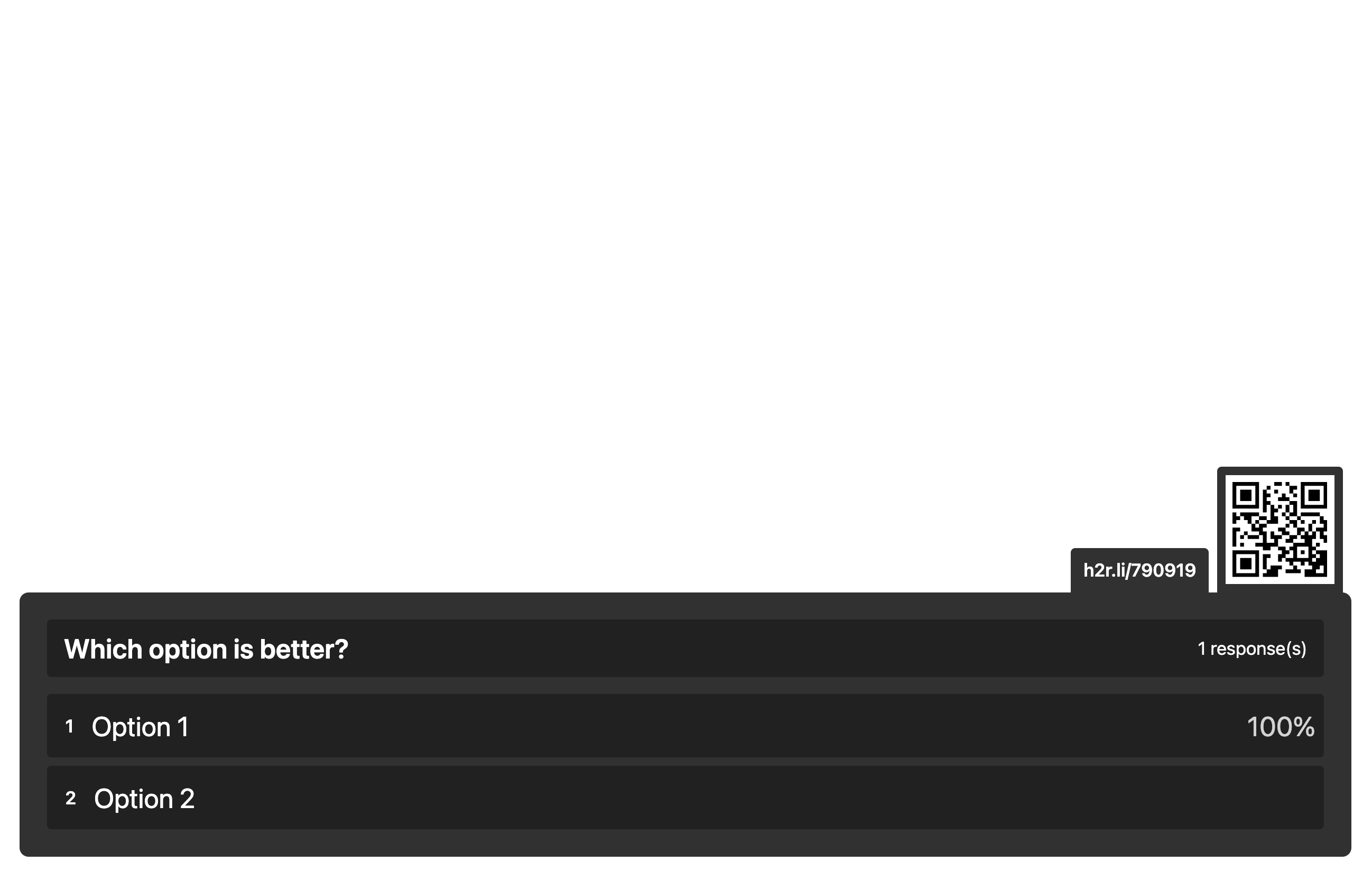
We’ve recently added a full Audience Q&A system to our H2R Graphics Cloud offering - this lets you ask questions to your audience.
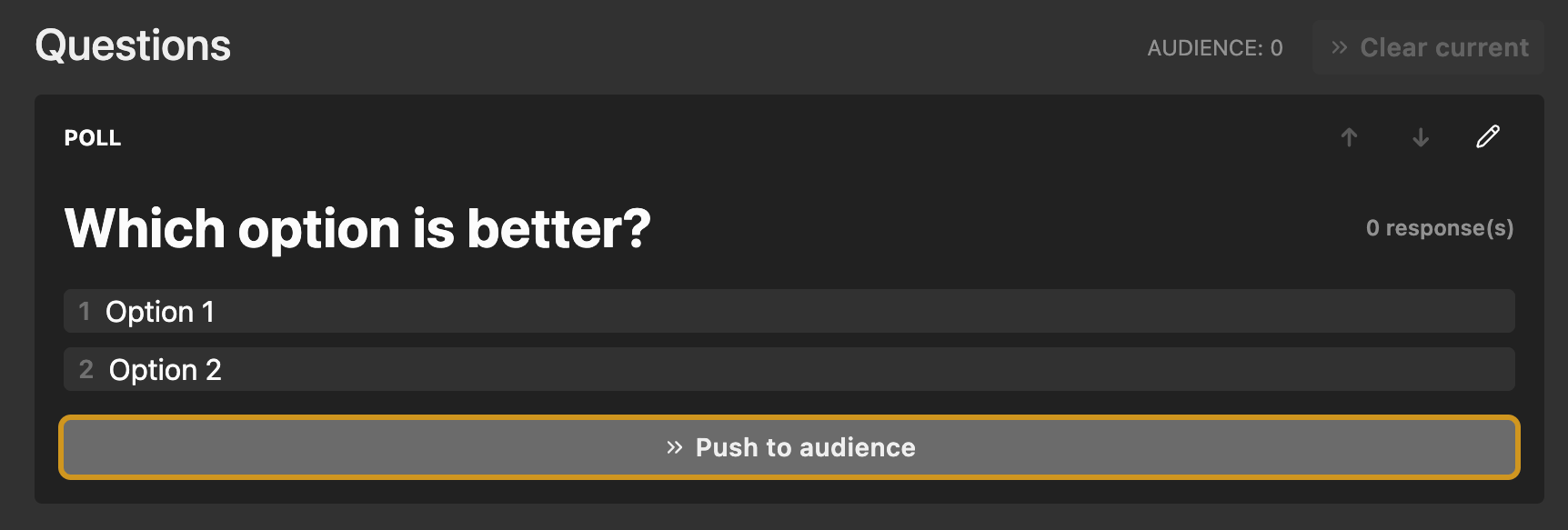
Explore how this feature works here.
The new graphic allows you to quickly add the graphical output from our cloud-based system right into H2R Graphics.
And much more…
- 🆕 Use variables for Image graphics.
- 🆕 Use
Sectionsto show/hide graphics in the rundown. - 🆕 Add more teams to the
Scoregraphic. - 🆕 Loads of new default themes added.
- 🆕 Hide
To time of daygraphic when time is done. - 🆕 Add a background color to
Webpagegraphics. - 🆕 Action and Title safe guides for outputs.
- 🆕 Text line 3 added to
Lower Third. - 🆕 Scannable QR codes for opening control/Outputs pages.
- 🛠️ Fix: Delete media will remove from internal storage.
- 🛠️ Fix: Drag/Drop images into
Imagegraphics. - 🛠️ Fix: Performance improvements to
AudioandVideographics.