🆕 New in Version 3.4
Media trim, drag & drop images, a rebuilt CSS editor and more...
See what's new →🆕 New in Version 3.4
Media trim, drag & drop images, a rebuilt CSS editor and more...
See what's new →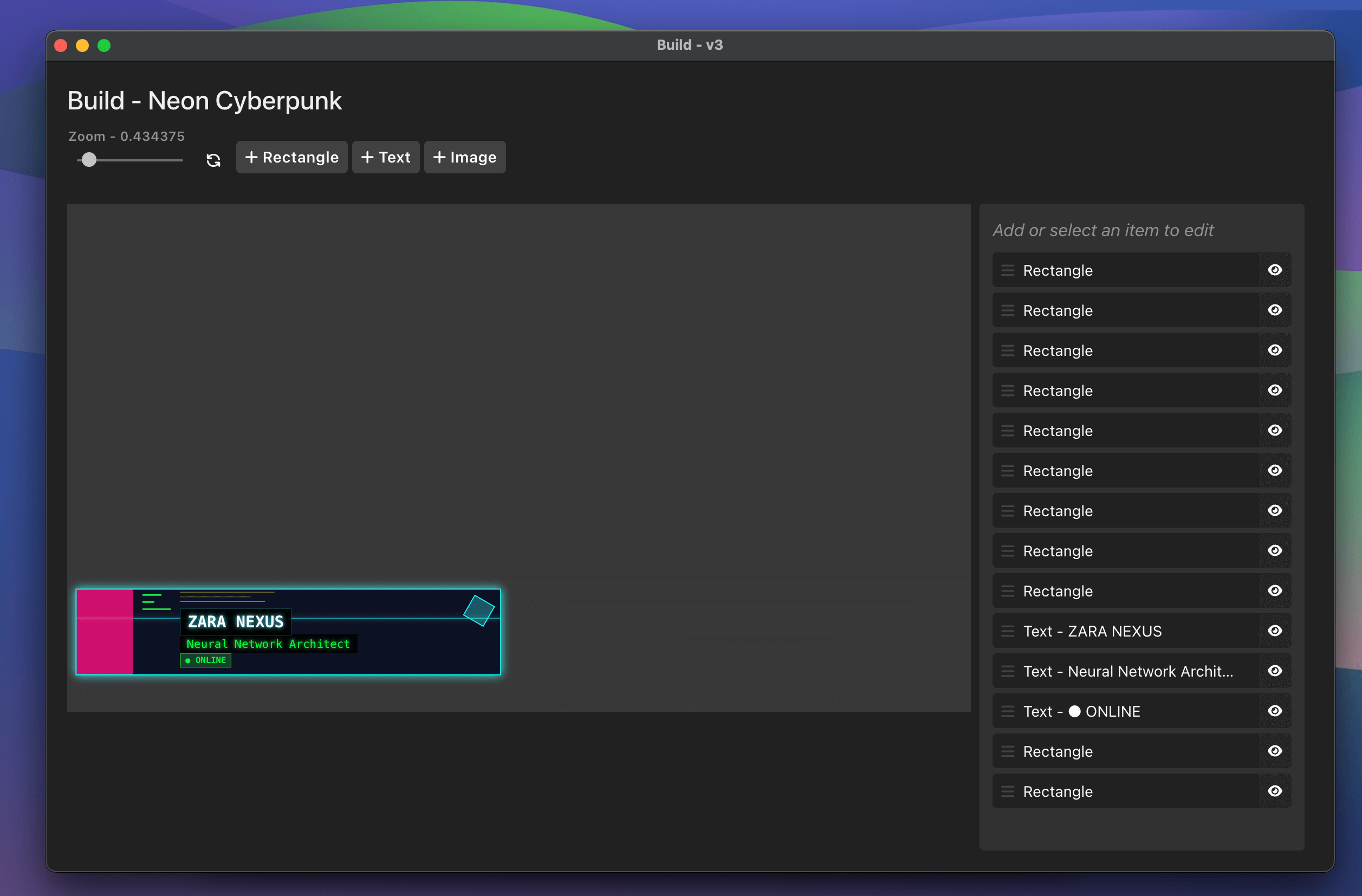
Place text, shapes and images on a 1920×1080 canvas. Move, resize and restyle everything visually.
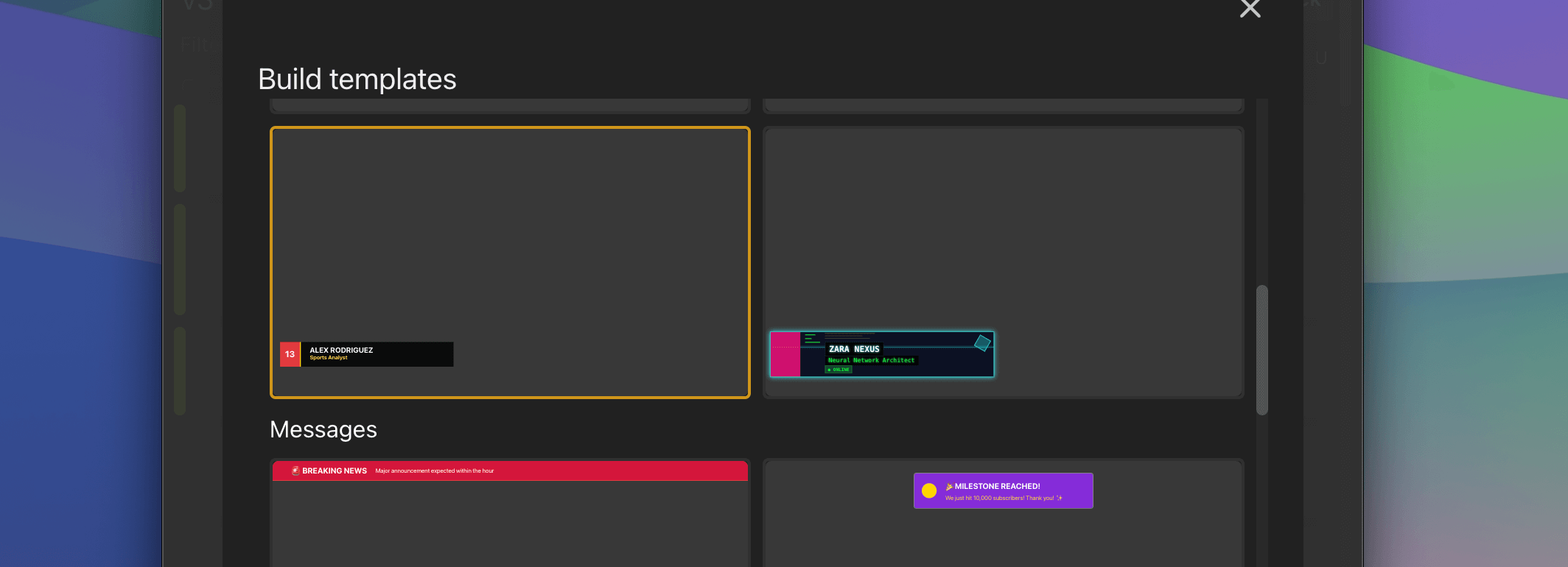
Over 50 ready-made designs for news, sport, worship, events and more. Tweak them to match your brand.
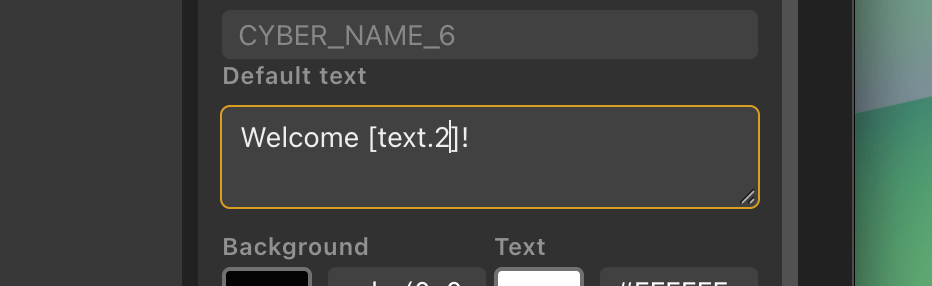
Drop variables into text and images to pull from Google Sheets, lists and other graphics as they change.
Full screen show opener with episode, title and subtitle
Futuristic cyberpunk design with neon glows and geometric elements
Top five standings with position, name and points
Bold left-side panel to introduce a new segment
Bible verse card with reference, in a warm serif style
Urgent breaking news banner for top of screen
One big number callout with label and context
Elegant centred chapter heading over a dimmed background
Two-player table with sets, games and points, plus a serve indicator
Weekly events panel with days, titles and details
 1
1
 2
2
 3
3
Three simple building blocks that combine into almost any graphic you can imagine.
Link a rectangle to a text item so background bars grow and shrink with the words.
Bold, italic, underline, strikethrough and line breaks, right inside your text.
Reorder, hide and select items from the layer list to keep busy designs tidy.
Experiment freely with up to 100 steps of history.
Share designs with your team or move them between machines as a single file.
Ready to build?
Download H2R Graphics for free, then unlock Build with Pro.
Get H2R Graphics product updates
New features, releases and tips, straight to your inbox.
No spam. Unsubscribe any time.