
New: NDI Output on macOS
NDI output is no longer Windows-only. You can now send your H2R Graphics output as an NDI source on macOS too, making it available to any NDI-compatible production software on your network.
Combined with the existing background colour setting, you can use Alpha or Chroma keying to overlay your graphics in your production.
Learn more about NDI output on our documentation.
New: Telestrator updates
The Telestrator gets two handy additions in this release.
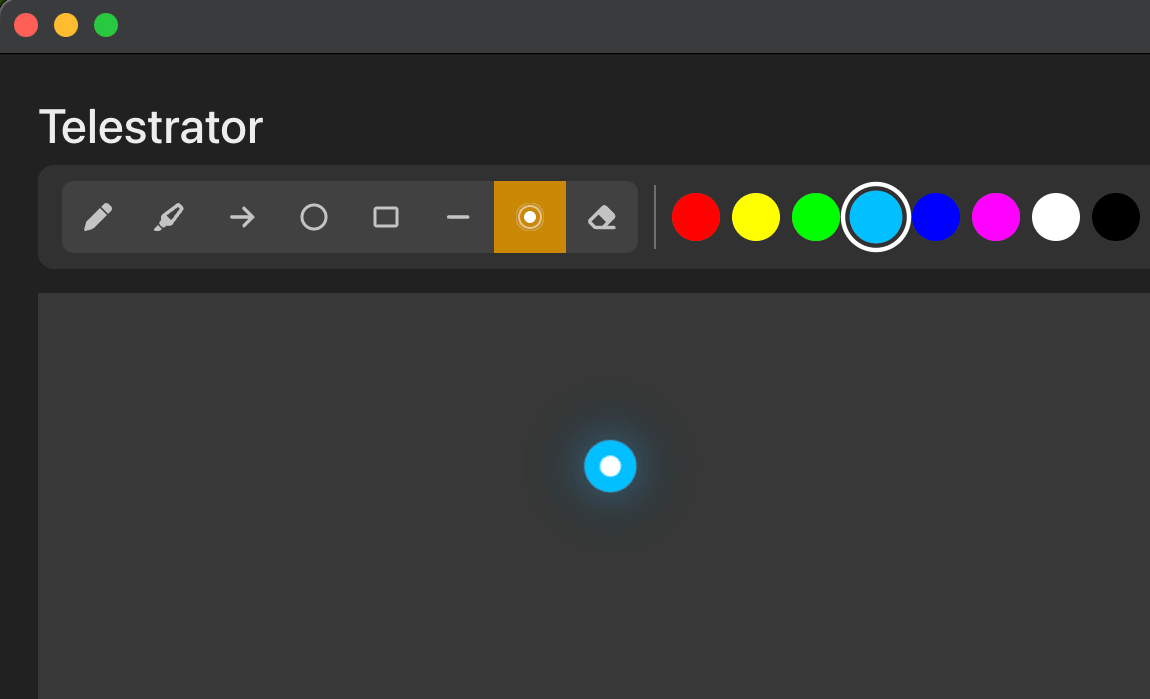
Laser pointer: A new drawing tool that leaves a temporary trail as you move, perfect for drawing attention to specific areas without leaving permanent marks on your canvas.
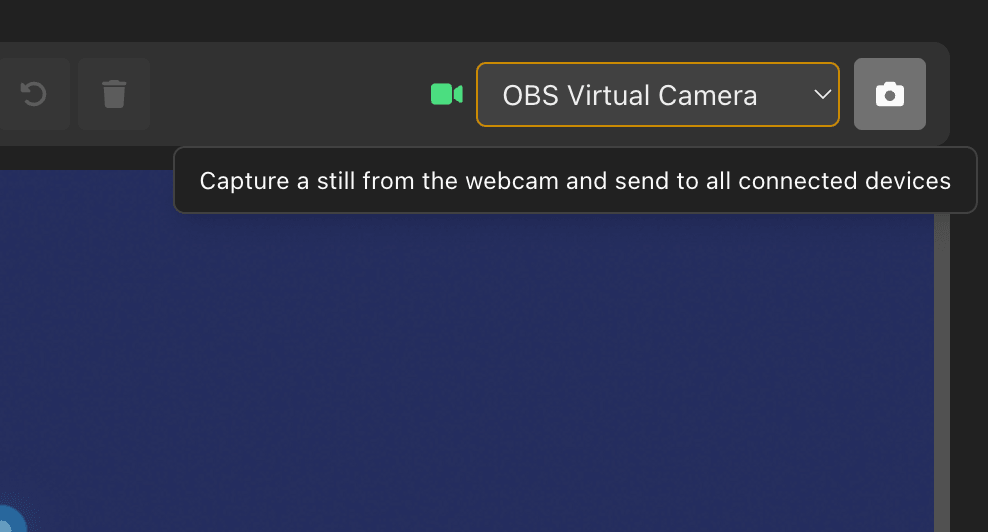
Webcam capture: You can now capture a still from your webcam and send it to other devices like tablets. Great for freezing a frame to annotate while the live feed continues.
We’ve also added a quick way to copy the Telestrator output URL directly from the graphic editor, so you can get your output set up faster.
New: Build graphic export and import
You can now export and import your custom Build graphics. Share your creations with colleagues or back them up for safekeeping. This makes it easy to move your graphics between machines or share templates across your team.
New: Google Sheets row variables
Use [xxx.row1.cell1] style variables in your graphics to pull specific cell data from your Google Sheet. This gives you more precise control over which data appears in each graphic.
Here’s what we fixed
- ⚒️ Default names for all graphics (no more ‘undefined’ showing on Companion).
- ⚒️ Telestrator ‘Theme’, ‘Position’ and ‘Crop’ features all available.
- ⚒️ Checklist: Clearer buttons when an item is checked.
- ⚒️ Licence API downtime no longer impacts licence validation.
- ⚒️ Stabilised the ‘remembered’ windows opening on launch.