🆕 New in Version 3.4
Media trim, drag & drop images, a rebuilt CSS editor and more...
See what's new →🆕 New in Version 3.4
Media trim, drag & drop images, a rebuilt CSS editor and more...
See what's new →By John Barker • 1 March 2023
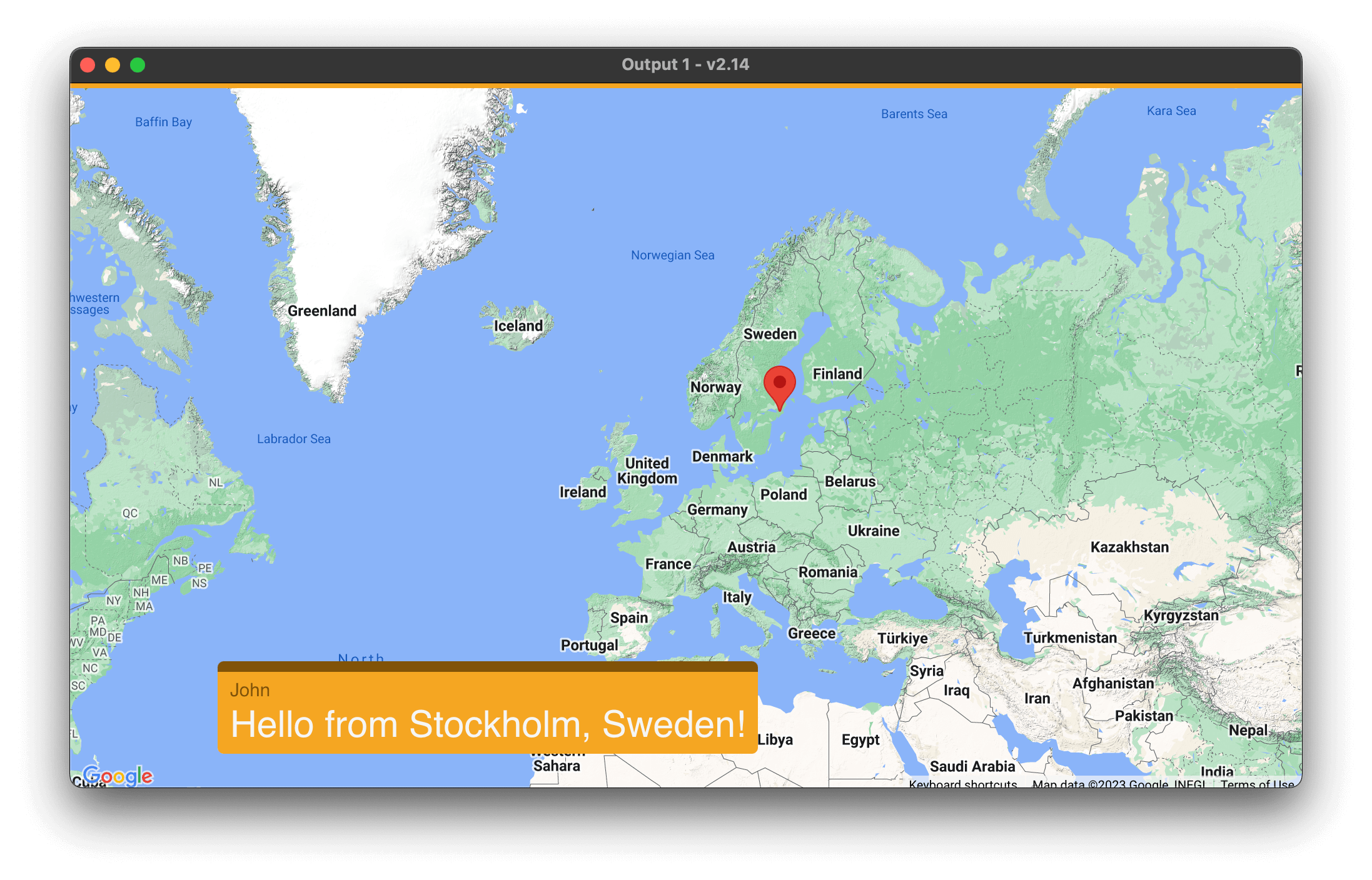
The Map graphic in H2R Graphics allows you to display the location info of your audience.
With the help of the Social graphic, a viewer saying “Hey from Stockholm Sweden” will drop a pin on their location in the map.
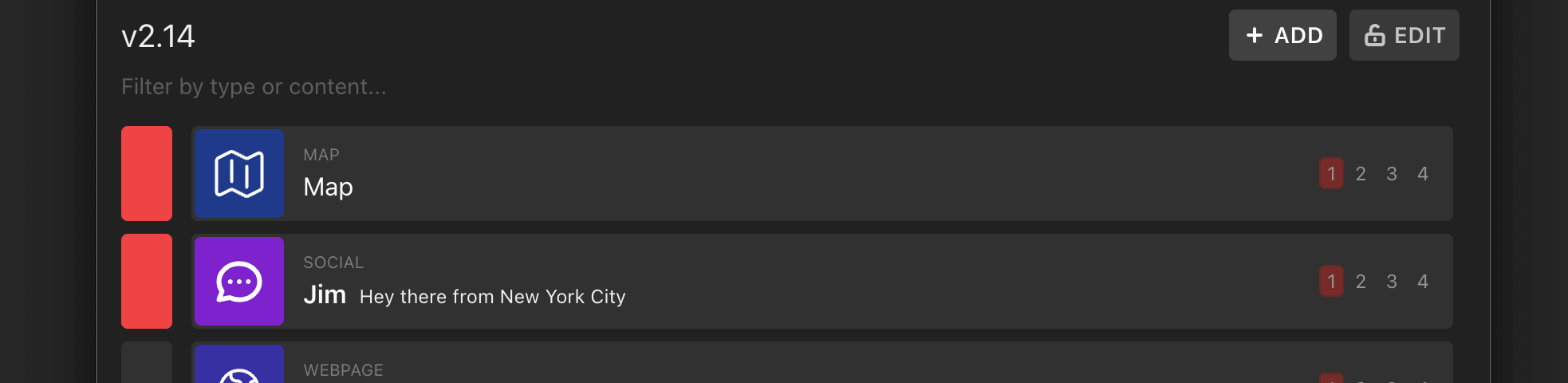
The app is not using the viewers actual data, but simply parsing the location info from their chat content.
Showing a few comments on screen makes for an impressive look at where your audience is spread out throughout the world.
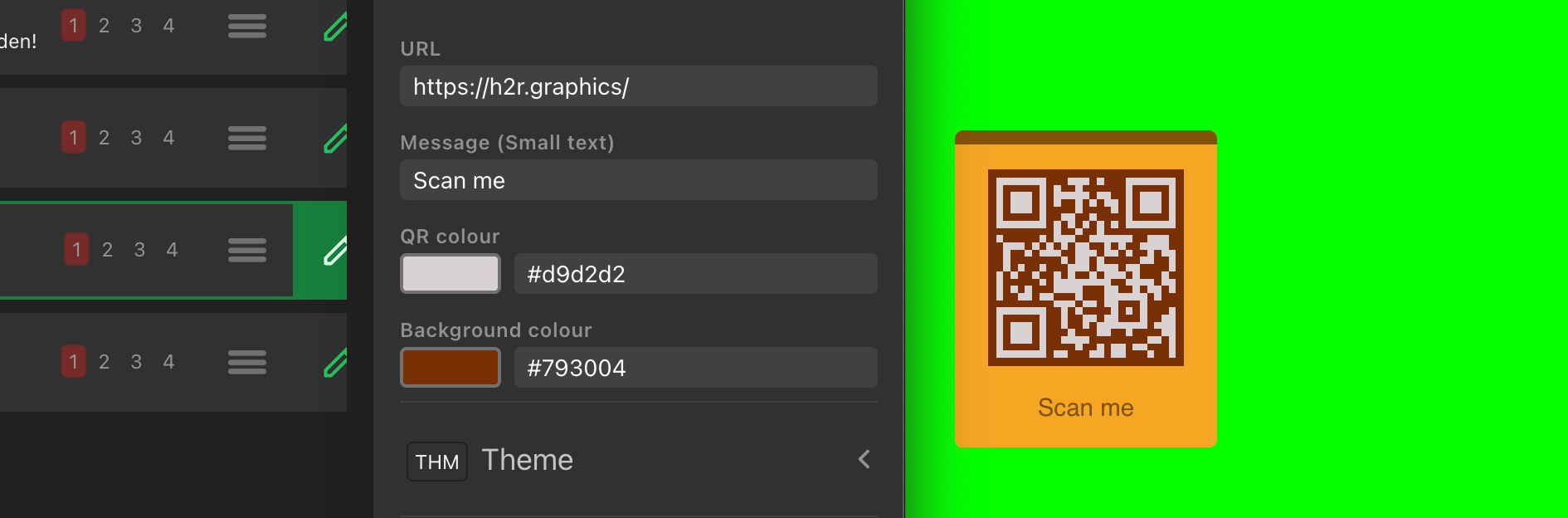
Dial in the details of your QR Code graphic with some colour customisation options.
You can now set the background and foreground colours of a QR Code graphic so it better matches your stream branding and colour scheme.
Here’s handy one for all your Pro users out there, you can now move your Pro licence between computers with the click of a button.
In the Pro options window, click on the “Deactivate” button and this will remove the licence from that computer.
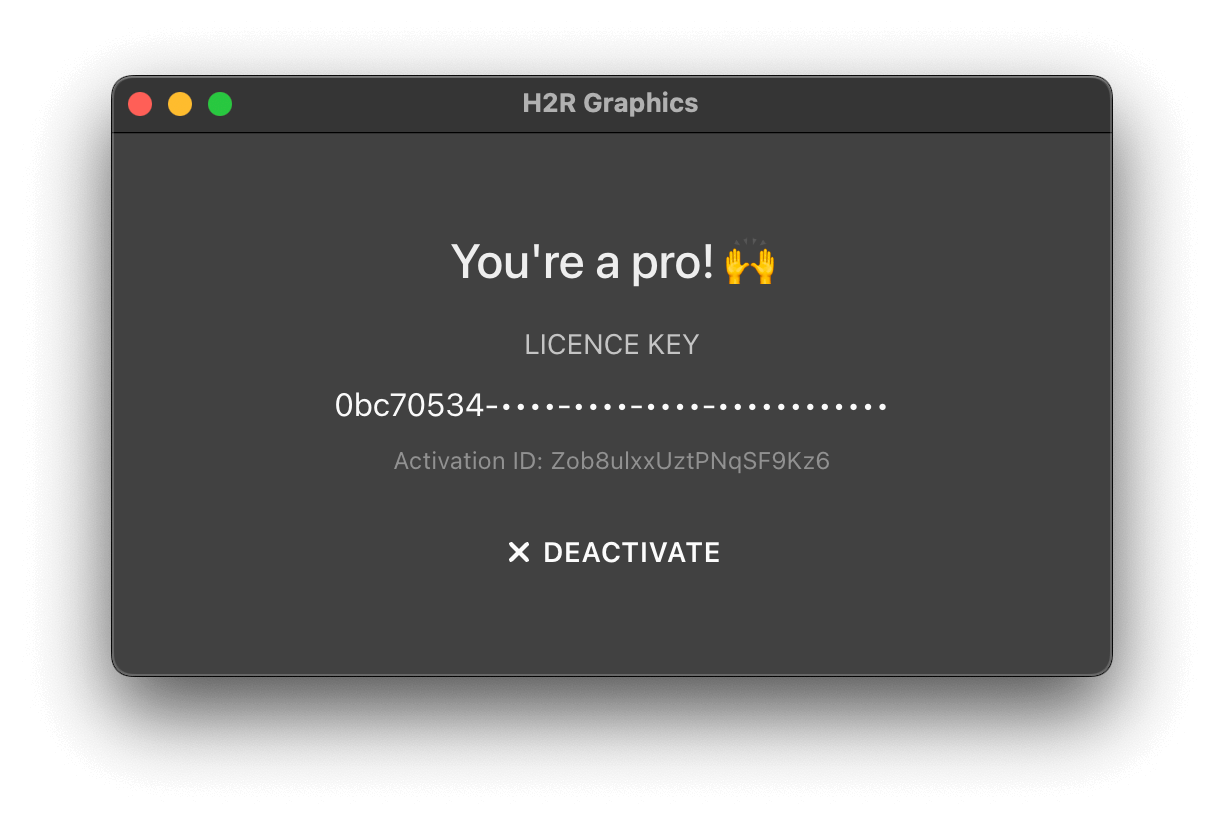
Then use your deactivated licence on another machine just like before.
We’ve also added…
Webpage graphic can now be interacted with no matter where on the rundown it is.Credits and Now Next Then can be cued-off without breaking.Credits now properly transparent in Key/Fill outputsSimplify your graphics workflow
Start using graphics on your live stream or video productions.
Get H2R Graphics product updates
New features, releases and tips, straight to your inbox.
No spam. Unsubscribe any time.